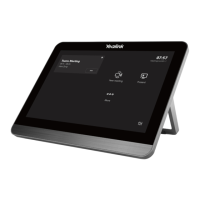
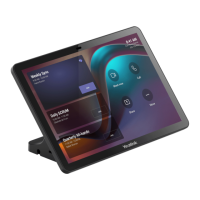
4. Click Room Controls - Status on the MTouch Plus and note the IP address of the MTouch Plus.
5. Enter the IP address of the MTouch Plus on the MTouch Plus-EXT.
6. Enter the Pair CodePair Code displayed on the MTouch Plus (the Pair Code is shown on the top left of Room Controls -
Camera Control).
7. When pairing is complete, the same screen as the MTouch Plus is displayed on the MTouch Plus-EXT.
NOTENOTE
If the above is done correctly, the IP address of the MTouch Plus-EXT and the IP address of the MTouch Plus
should be on the same network segment, i.e., the first three digits should be the same.



 To Previous Page