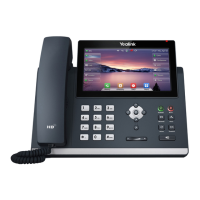
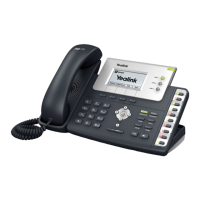
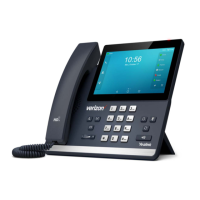
Dial key pad
Yealink T44U - T44W
User Guide
Navigation keys
Mute (on/off)
Voicemail
Headset
Speaker
Volume control
Redial key
Display Screen (with soft keys)
Programmable line keys
Message waiting indicator
Overview
Place a call
Using the handset:
Pick up the handset.
Enter the number and press Send.
Using the speakerphone:
With the handset on-hook, press the
speaker key
Enter the number and press Send.
Using the headset:
With the headset connected, press the
headset key.
Enter the number and press Send.
Answer a call
Pick up the handset, press the speaker or
headset key
End a call
Press EndCall or Hang up the handset, press
the speaker or headset key
Call Hold and Resume
To Hold: press Hold during an active call
To Resume:
If there is only one call on hold, press
Resume
If more, use the navigation keys to select
the desired entry and press Resume.
Call Park
This is what you
should use all the time.
This is the same as
hold, but another
person can pick up the
parked call on another
phone.
While on the call, press any of the three park
keys located on the left hand side of your
display (Refer to picture)

 Need help?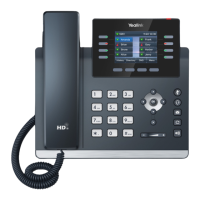

 To Next Page
 General