S-Series Extension User Guide
4
1. Extension User Portal
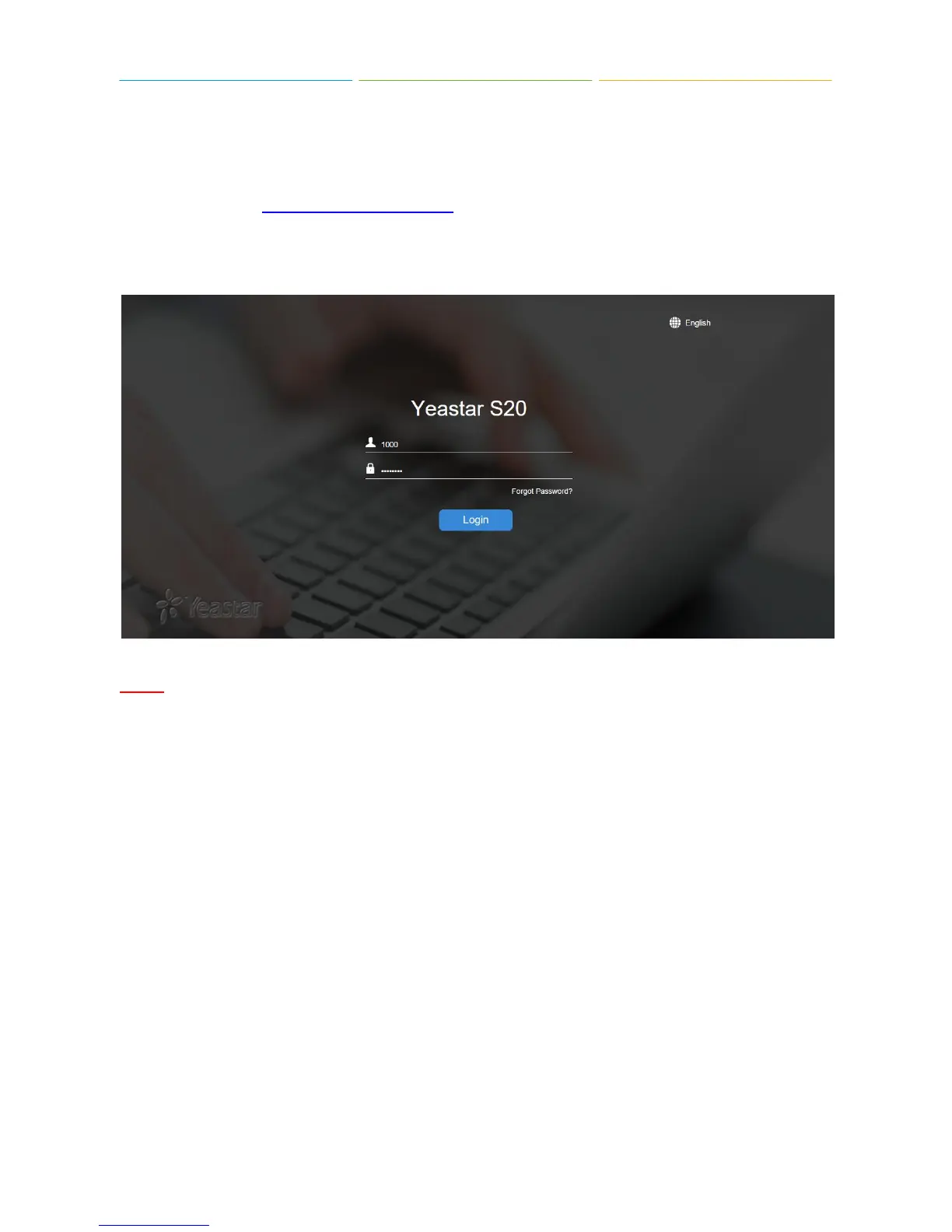
To log into the Extension User Portal, navigate to the S-Series IP PBX URL.
Default IP Address: https://192.168.5.150:8088
Log in with your S-Series IP PBX extension number and the password assigned by your S-Series IP
PBX system administrator. The default password is “pass” + “extension number”.
NOTE
If you cannot log in S-Series IP PBX with your extension number, please contact the administrator to
check the password.
1.1 Getting to Know the Desktop
When you log in Extension User Web GUI, you will see the desktop. From here, you can manage
your extension settings and check the voicemail messages, CDR and recordings.











 To Next Page