S-Series Extension User Guide
9
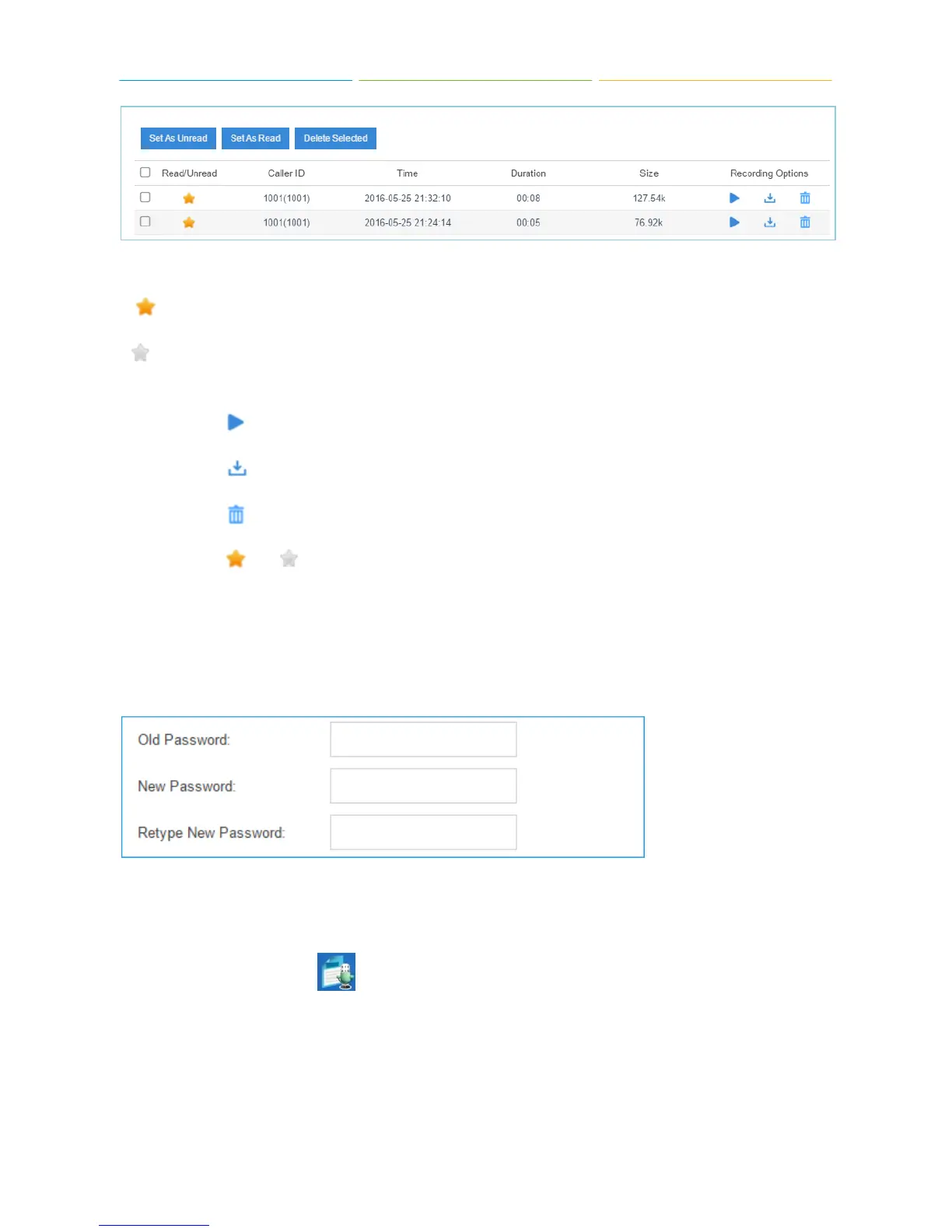
Voicemail Message Status:
: Unread
: Read
Manage the Voicemail Messages:
Click to play the message.
Click to download the message file.
Click to delete the message.
Click or to switch the message status.
1.2.4 Password Settings
You can change the extension login password here. First type the old password, and type new
password twice to confirm.
1.3 CDR and Recordings
Click Main Menu and click to check the call logs and recordings. You can run reports against
the logs and filter on the following:
Time
Call From
Call To
Call Duration











 To Next Page