External device connection manual for TOP Design Studio
YOKOGAWA Electric Corporation
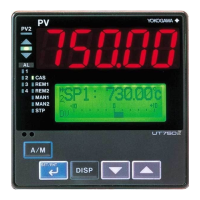
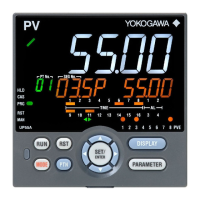
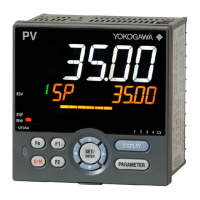
UT/UP/UM Series
PC Link Driver
CONTENTS
We want to thank our customers who use the Touch Operation Panel.
Describes the devices required for connection, the setting of
each device, cables, and configurable systems.
2. External device selection
Select a TOP model and an external device.
3. TOP communication setting
Describes how to set the TOP communication.
4. External device setting
Describes how to set up communication for external devices.
Describes the cable specifications required for connection.
Refer to this section to check the addresses which can
communicate with an external device.

 Need help?
 General



 To Next Page