4. Function overview and functional area layout
4.1 Function overview
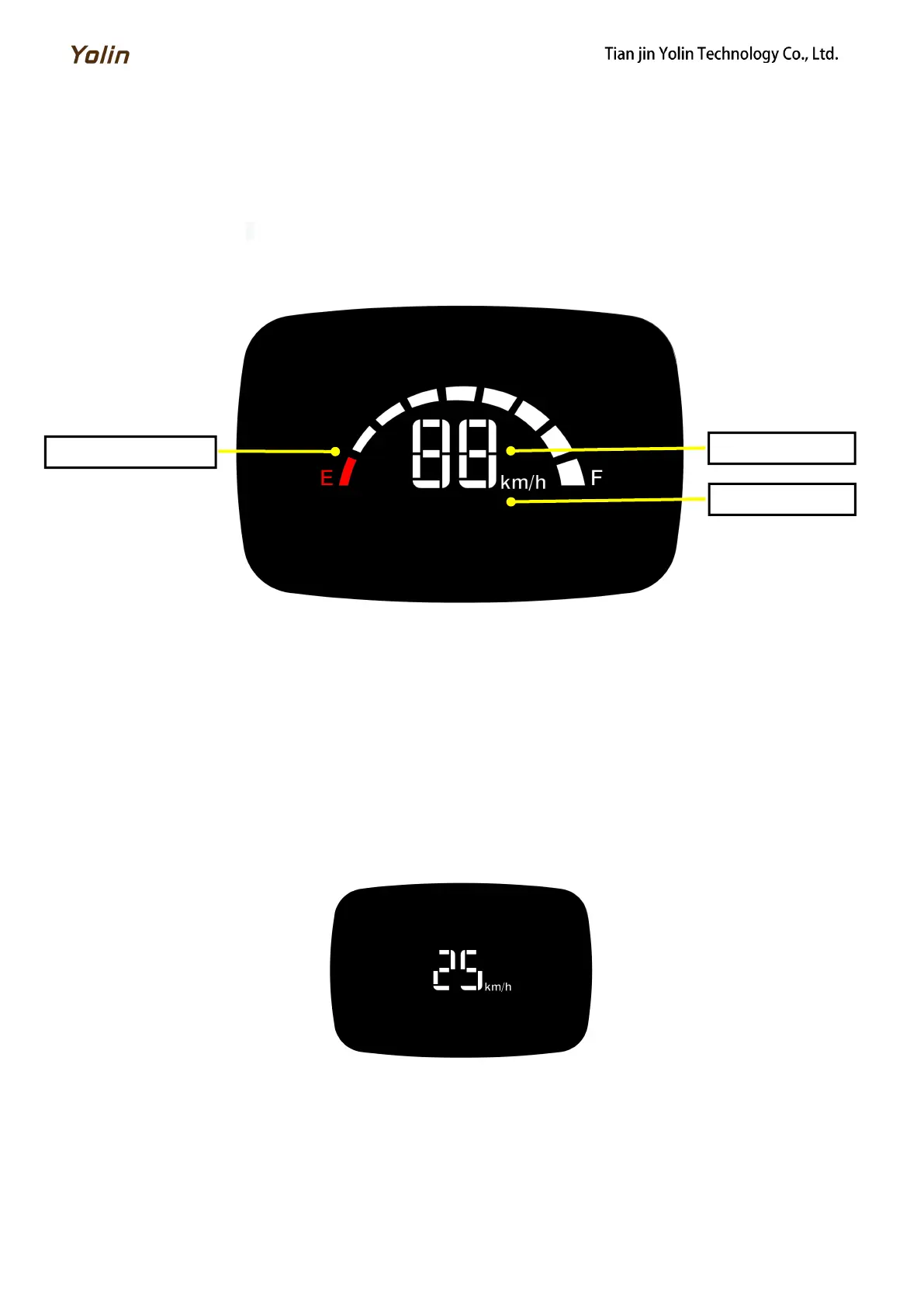
Display YL71E provides a variety of functions to meet the riding needs of users, including:
Battery level indicator
Speed indicator
4.2 Functional area layout
Fig. 4-1 Functional Area Layout Interface of Display YL71E
5. General operation
5.1 Power on / off
Turn on the power of the e-bike, the display will automatically power on and start to work. Turn off the power of the
e-bike, the display will shut down and stop working, and its leakage current will be less than 1uA.
5.2 Speed indicator
After the display is turned on, the display will show the real-time speed (km/h) by default.
Fig. 5-1 Speed Indicator Interface



 To Next Page