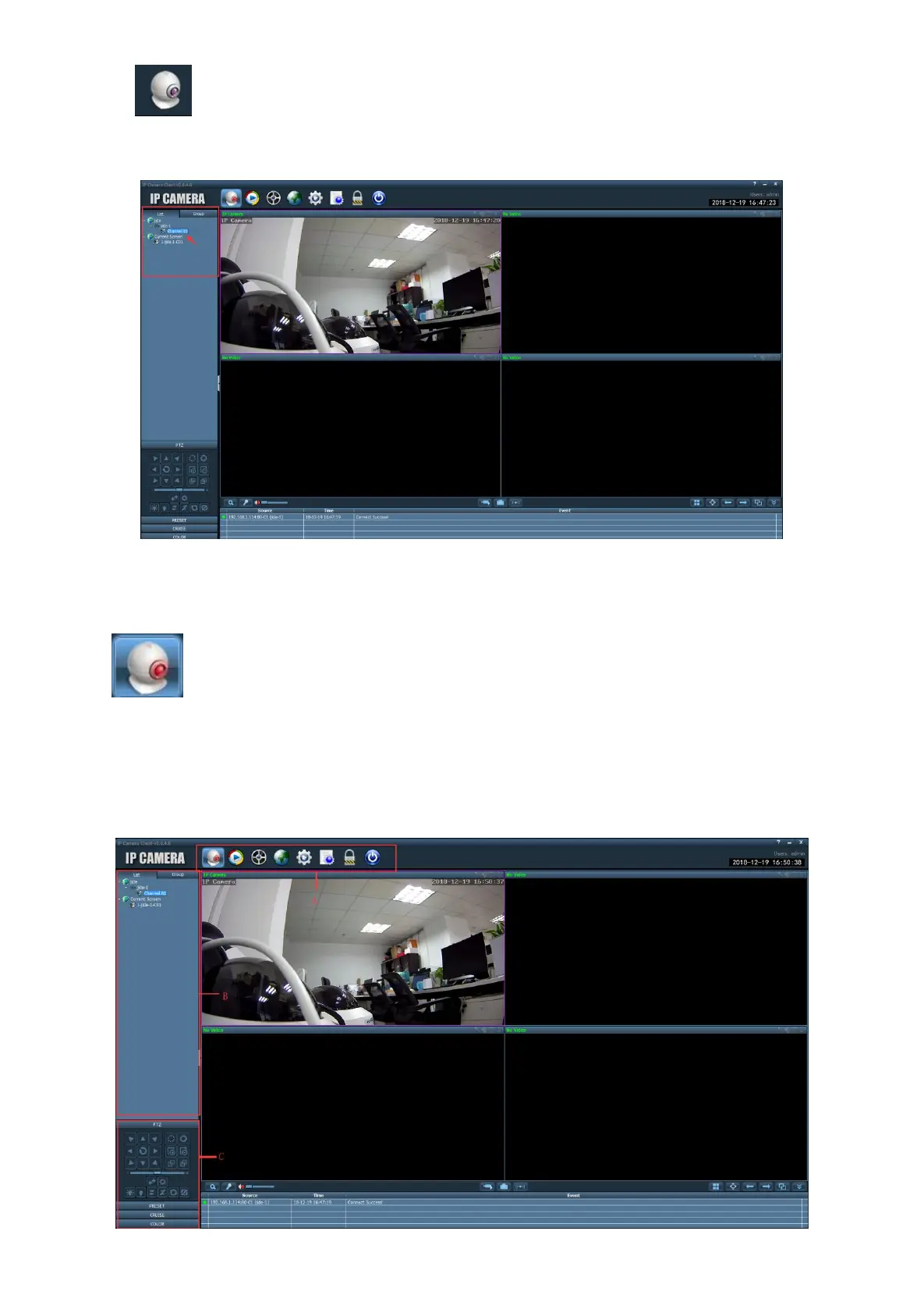
E) Click Back to preview screen, Double-click the camera name in the device list to preview the
screen in real time.
6.3 Software Function introduce
6.3.1 Preview interface
Area A: Software display area
(
Preview, Local playback, Remote playback, Map, Settings, Log, Logout
user, Exit client).
Area B: Devices list.
Area C: PTZ control, Preset point settings, Cruise settings, color.


 To Next Page