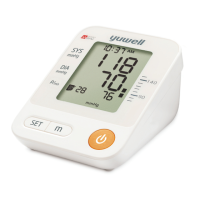
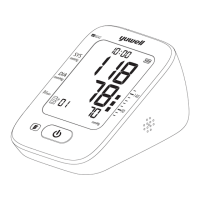
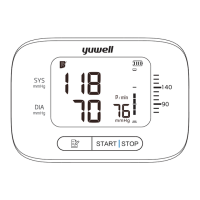
Memory function
1. Press the "m" button for the records.
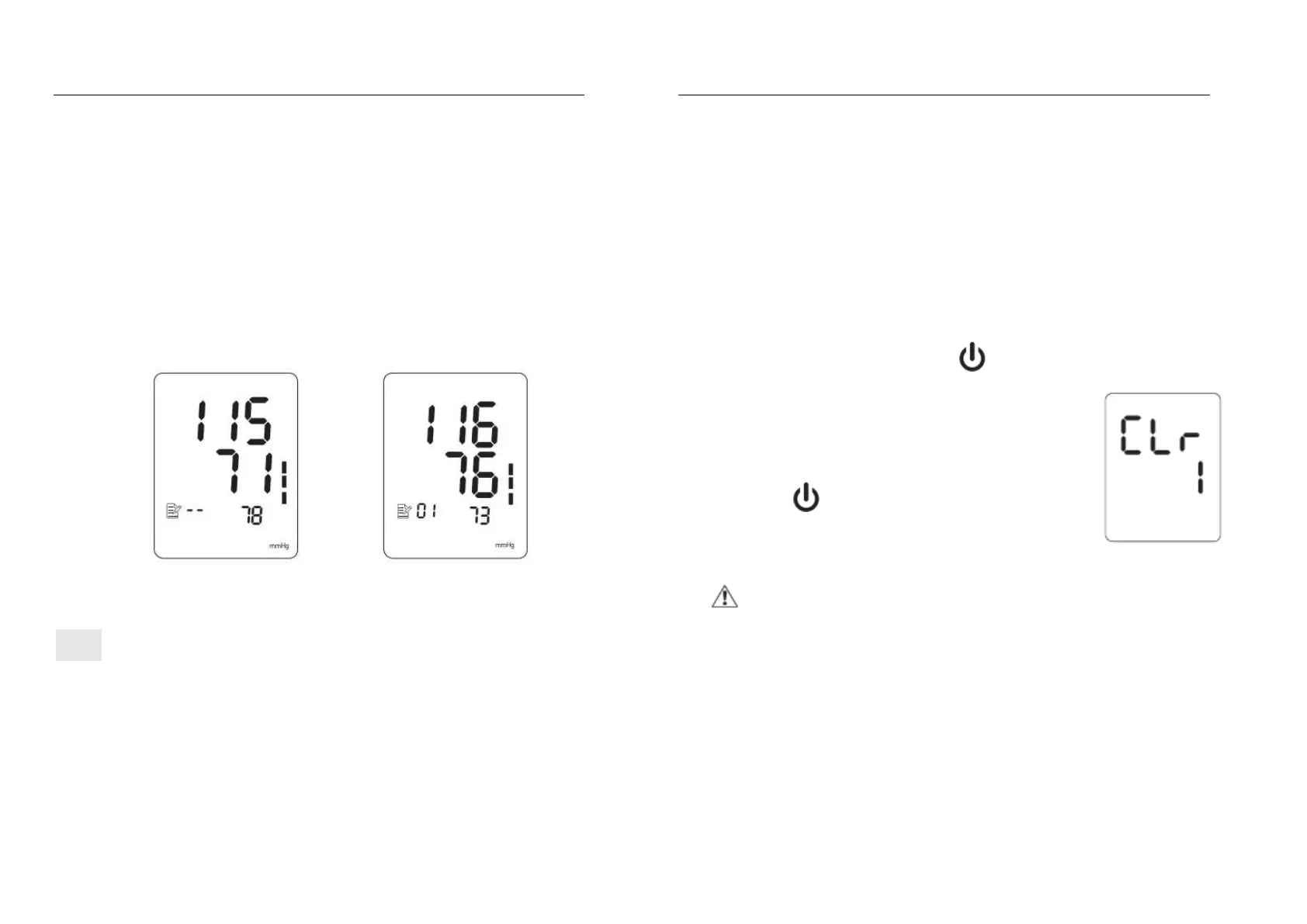
A. Press the "m" button to show the average value of the latest 3 times
measurement.
B. Repress the "m" button to display the 1
st
group of memory, the serial
number is displayed as "1" to "90". "1" is the latest group and the "90" is the
earliest one.
The average value The 1st group of memory
The 90th data may be replaced by the 89
th
when the memory capacity is full.
Memory function
C. Read the recorded data by pressing the "m" button as the sequence: "1",
"2"......"90"(max). Then return to the 1st.
Holding the "m" button to search the data quickly.
D. Press the "m" button to shut off the monitor.
2. Delete the recorded data
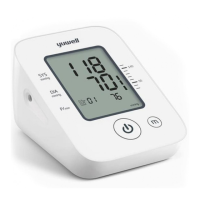
press the both "m" button and " " button until the display shown as
the
following picture, which means the recorded data
is cleared.
Press the " " button to turn off the monitor after
deleting.
Note: This operation will delete all the recorded data.


 To Next Page