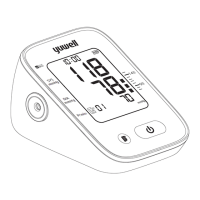
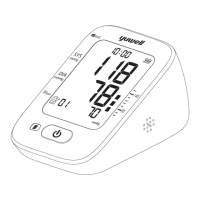
Voice function setting
...
pressing the " " button to enter the voice
function setting,The voice volume value is
Appeared on the screen(range: 01-05). The
volume value increase once press the " "
button,When the volume reaches the
maximum volume 05, then press the " "
button, you can turn off the voice
function.Finish by pressing the" "button.
After finishing the date and time setting,
16 17
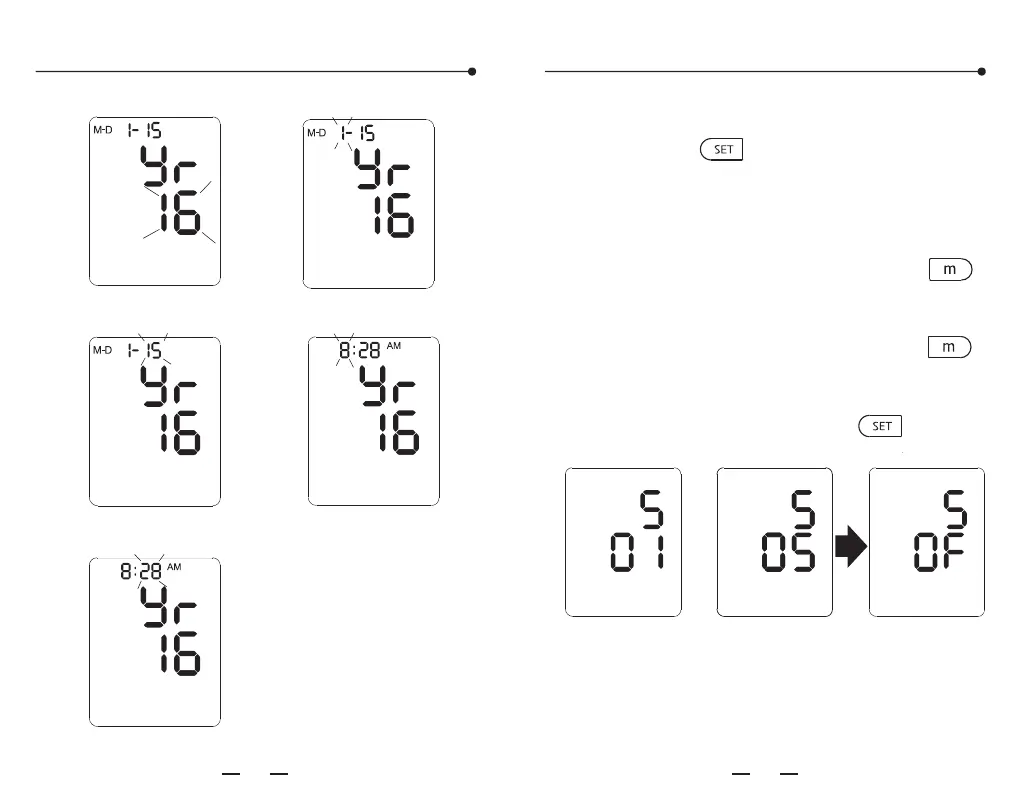
Time and date setting
Year character blink
Date character
Minute character blink
Month character blink
Hour character blink
YE670D( )
尺寸:180X142.5mm 色彩:准确、单色,层次分明
纸张:105克双铜纸 印后加工:对折装订
CE认证 电子血压计说明书印刷要求


 To Next Page