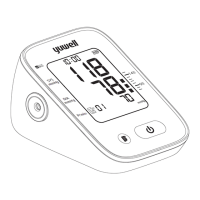
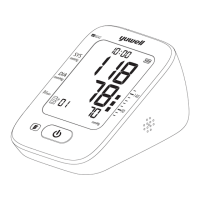
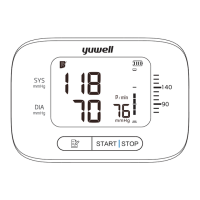
Static mode
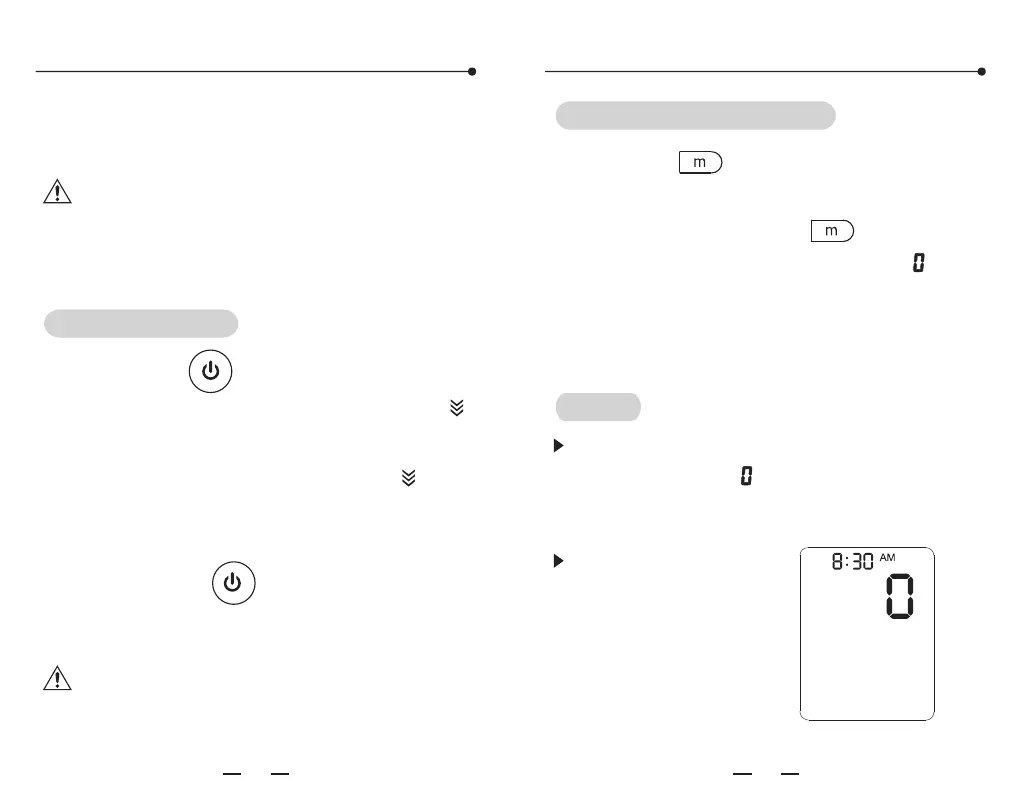
Press the " "button and hold, meanwhile
install the batteries. Hold on for about 3
seconds then release the" " button. Then
screen will show the pressure value " " , the
date and time. Now the system has restored
and entered the static mode. Now can take
the static test.
Entering the static mode
After entering the static mode, if the screen
still doesn't show " ", please operate again as
the System restore. Please contact with the
local distributor if it still does not work.
The static mode
The monitor will
automatically
power off if there is
no operation in 4
minutes.
Tips!
This function is mainly for professional
personnel to enter the static mode to test the
monitor through standard pressure gauge.
Warning: Normal users don't need to know
this function and also do not operate. The
company will not take any responsibility for
damage caused by this operation.
Press the " " button after battery
installation, then the screen will show the " "
icon, which means the system is in restore
testing. Several seconds later, the " " icon
disappears and the air pump starts inflating at
the same time, which indicates the test ended.
Then press the " "button to stop inflating
and take out the batteries to enter the next
step.
Note: It must restore the system before
entering the static mode, otherwise it may
cause inaccurate results.
System restores
Static mode
32
33
YE670D( )
尺寸:180X142.5mm 色彩:准确、单色,层次分明
纸张:105克双铜纸 印后加工:对折装订
CE认证 电子血压计说明书印刷要求


 To Next Page