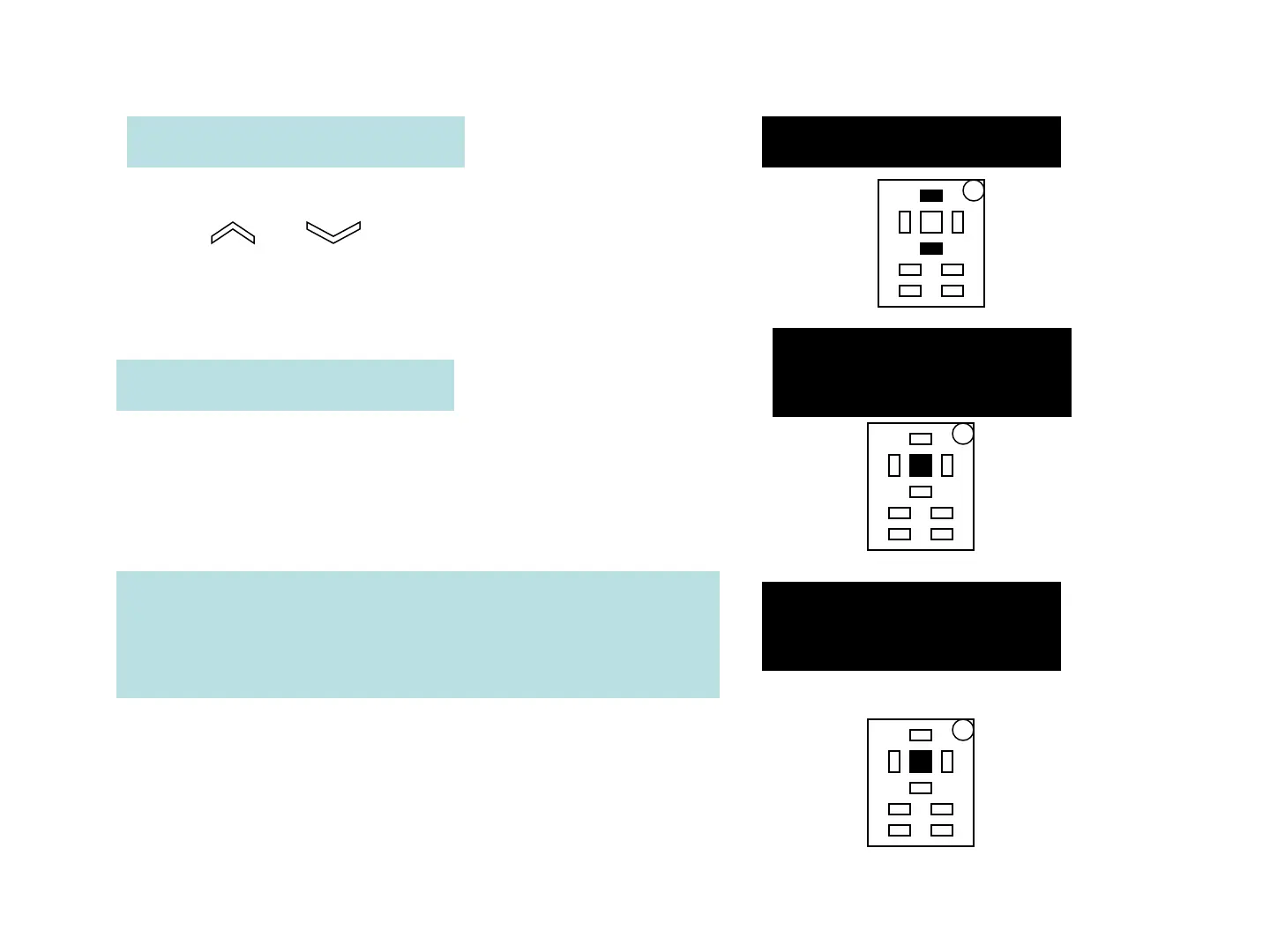
The Display will show: Main Menu
Press or button until
PROGRAM VACC shows on the display
The Display will show:
MAIN MENU
PROGRAM VACC
Press OK to go into the PROGRAM
VACC function
The Display will show the minimum and
maximum throttle voltage values. Both
directions will be shown
VACC SETTING
CURRENT VALUE
Press OK to clear these values.
Display will show 0.0



 To Next Page