6160
PHONE BOOK
PHONE BOOK
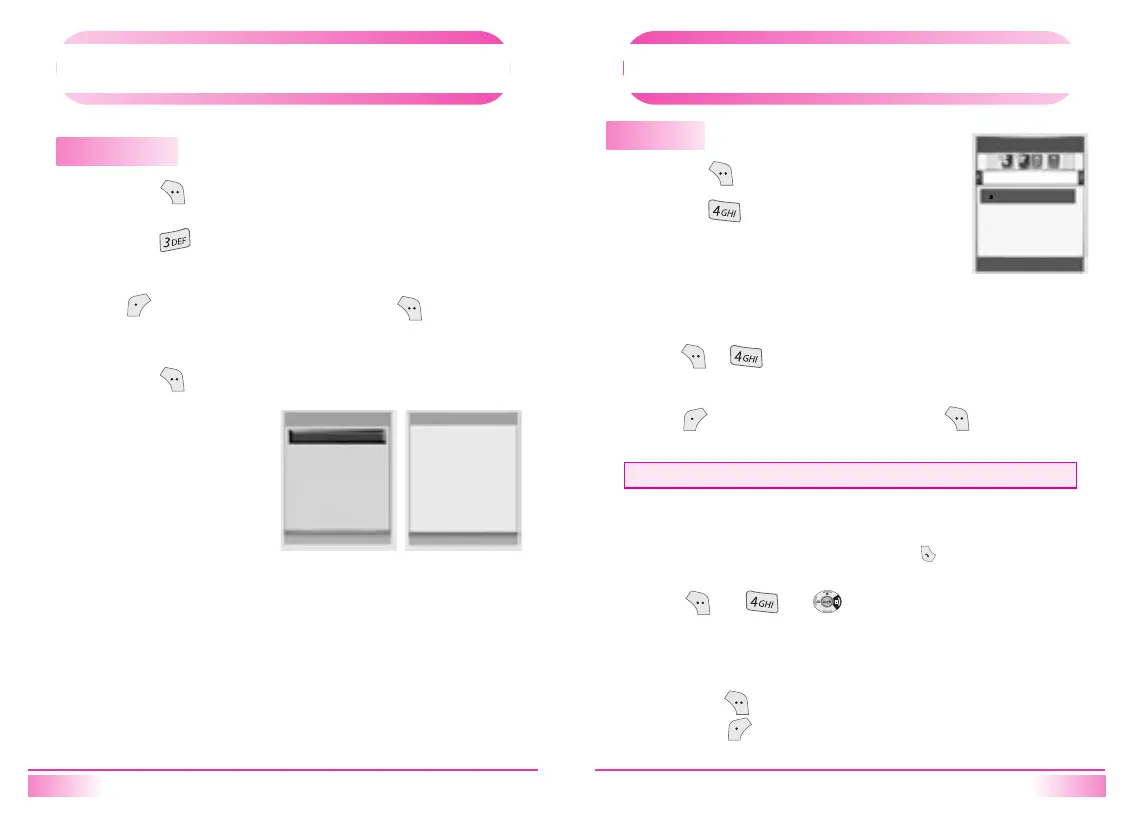
Edit Grp Name
1.
Press [ ].
2.
Press [ ].
Press [Nevigation] keys to select a record and then press
[ ]key to delete the record or press [ ]key to view
detail information.
3.
Press [ ].
PHONE BOOK
PHONE BOOK
Call History
1.
Press [ ].
2.
Press [ ].
Select the parameter by moving the navigation
key left and right.
This view the outgoing call history.
1.
[ , ] keys sequentially.
2.
Press [ Nevigation ]keys to select a record and then press
[ ]key to delete the record or press [ ] to view detail
information.
[ 1. Out going Calls ]
Displays information of the 10 most recently answered calls.
Saves the numbers and places calls by simply pressing [ ].
1.
To see a list of the 10 most recently answered calls, press
[ ], [ ], [ ]. If the number is already stored
in your phone book, only the name appears. If the number is
not stored, only the phone number appears.
[
2. Incoming Calls ]
• Maximum number of history : 10
Enter grp name
T9Ro
l
T9 OK
Edit Grp Name
01. [Empty]
Back Select
Call History
Outgoing Calls
48
Del
Select
2.
To view incoming call details, press the Navigation key.
Press [ ] again to save it or
press [ ] to delete it.



 To Next Page