1312
GETTING ST
GETTING ST
ARTED
ARTED
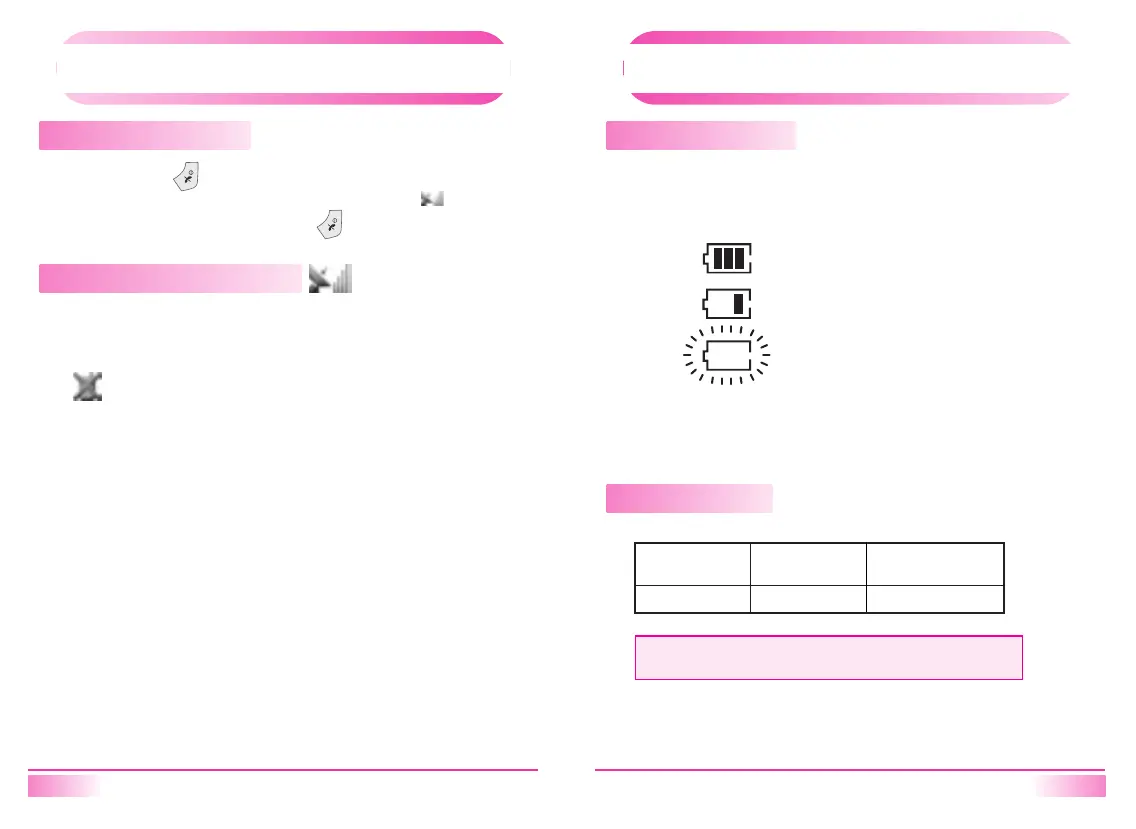
Turning the Phone On/Off
Press and hold [ ]. All the indicators and the display will light
momentarily, and a tone will be heard. The indicator will be
displayed while the phone and hold [ ].
Receiving Signal Strength Indicator ( )
The number of lines indicates the Signal Strength in your area.
Four lines show the maximum level. The display will vary as you move
with the phone. If the signal is not strong enough to place a call.
[ ] will appear on the LCD display.
GETTING ST
GETTING ST
ARTED
ARTED
Battery Level Indicator
You can always monitor the battery charge condition with the constant
battery level indicator.
The number of blocks indicates the battery conditions as follows;
If battery charging level is getting lower, it will make the sound of low
battery warning.
Power Management
Full charge
Low charge
Blinking low indicates discharged.
Battery
Lithium Ion
NOTE
Above talk time and standby time are lab. test result based on IS-2000.
160 min.
Talk Time
up to
300h
Standby Time
up to (Slot mode 2)



 To Next Page