User’s Manual 1PH HYD3000-HYD6000-ZSS
Rev. 1.1 16/03/2021
Identification: MD-AL-GI-00
Rev. 1.1 of 16/03/2021 - Application: GID
Step 4: Remove the waterproof cover (B), loosen the cable gland (C), and then remove the cap (G).
Step 5: Route the CT cable through the cable gland to the right of the cover, connect the cable to the CT terminal
supplied, then insert the CT terminals into the corresponding ports (CTa for the exchange sensor and CTpv for
the production sensor).
Step 6: If using Pylontech batteries, the communication cable between the inverter and batteries is supplied as
an accessory inside the transparent bag in the inverter’s packaging. For WeCo batteries, the cable is found inside
the battery packaging.
Connect one terminal to the battery (BAT), and the other to the inverter (inverter).
Route the communication cable (inverter side) through the cable gland on the left side of the cover, then insert
the connector into the CAN port. Insert the battery-side connector (BAT end) into the CAN port of the
PYLONTECH or WeCo battery.
NOTE: for correct connection between the inverter and batteries, please refer to the relevant procedure or
manual.
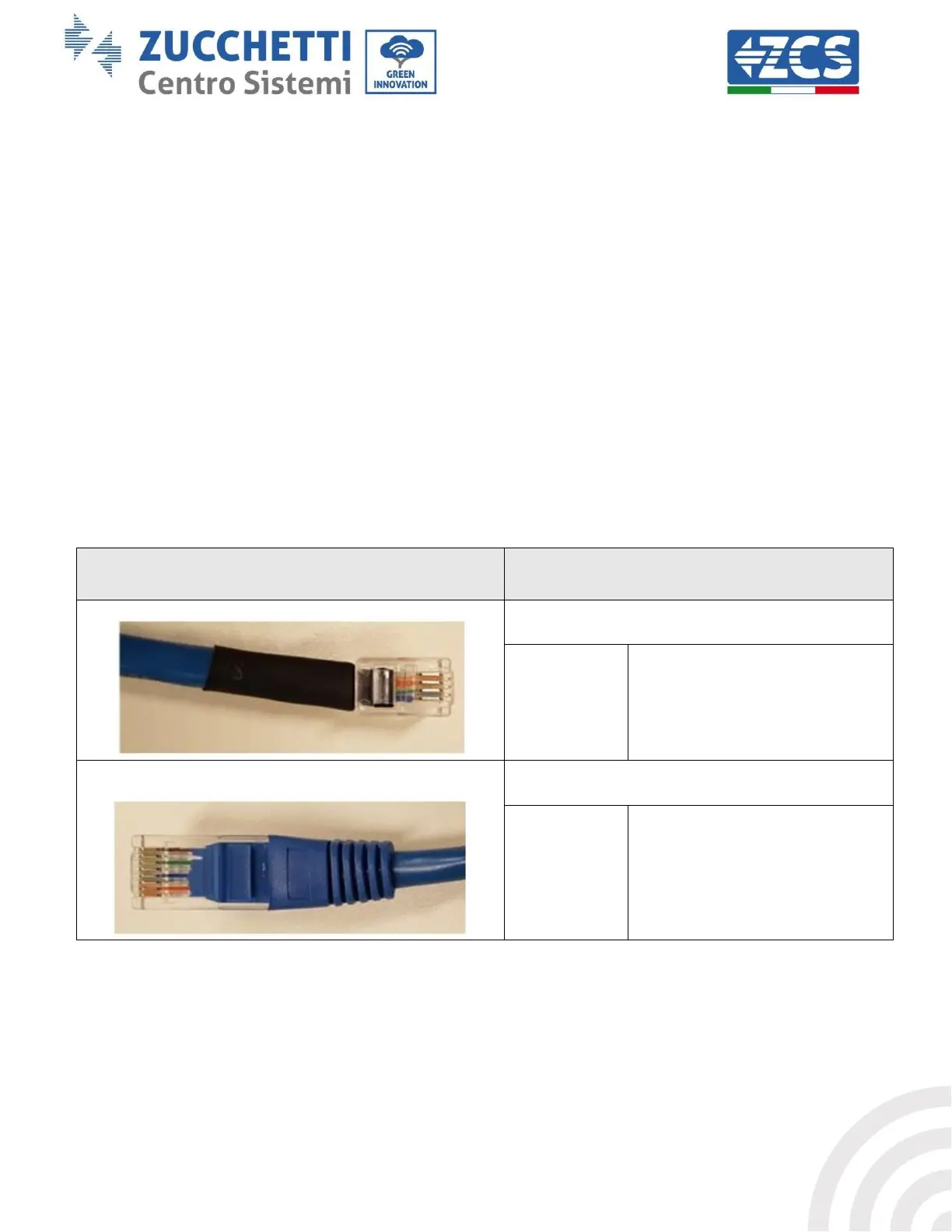
Communication cable between the battery and the
1PH HYD3000-HYD6000-ZSS inverter
CANHpin1 CANLpin2 GNDpin3
CANHpin1 CANLpin2 GNDpin3
Figure 26 – End of WeCo communication cable with inverter-side terminal in the CAN input









 To Next Page