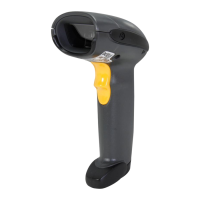
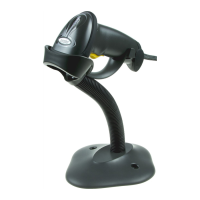
4 DS2208 Digital Scanner Quick Start Guide
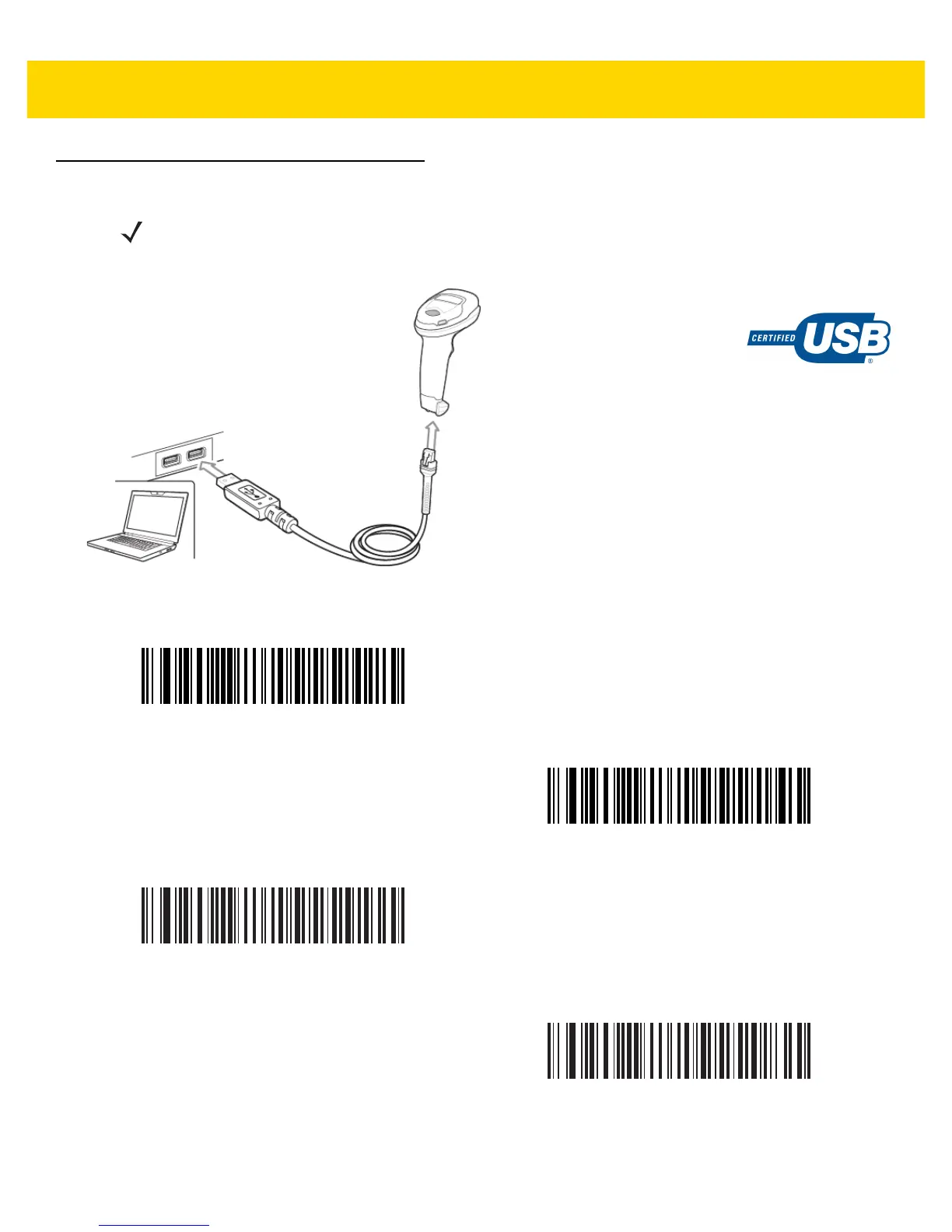
Connect Host Interface
USB
Scan ONE of the bar codes below. The digital scanner automatically detects the host interface type and uses the
default setting. If the default (*) does not meet your requirements, scan another host bar code below.
NOTE Cables may vary depending on configuration.
*
USB Keyboard HID
IBM Hand-Held USB
IBM OPOS
(IBM Hand-Held USB with Full Scan Disable)
Symbol Native API (SNAPI) with Imaging Interface


 To Next Page