Page 22 | ZvSync-NA User’s Manual www.zeevee.com
Selecting Channels
At any point in time the “CH+” or “CH-“ keys may be pressed to step up or down
in the channel lineup.
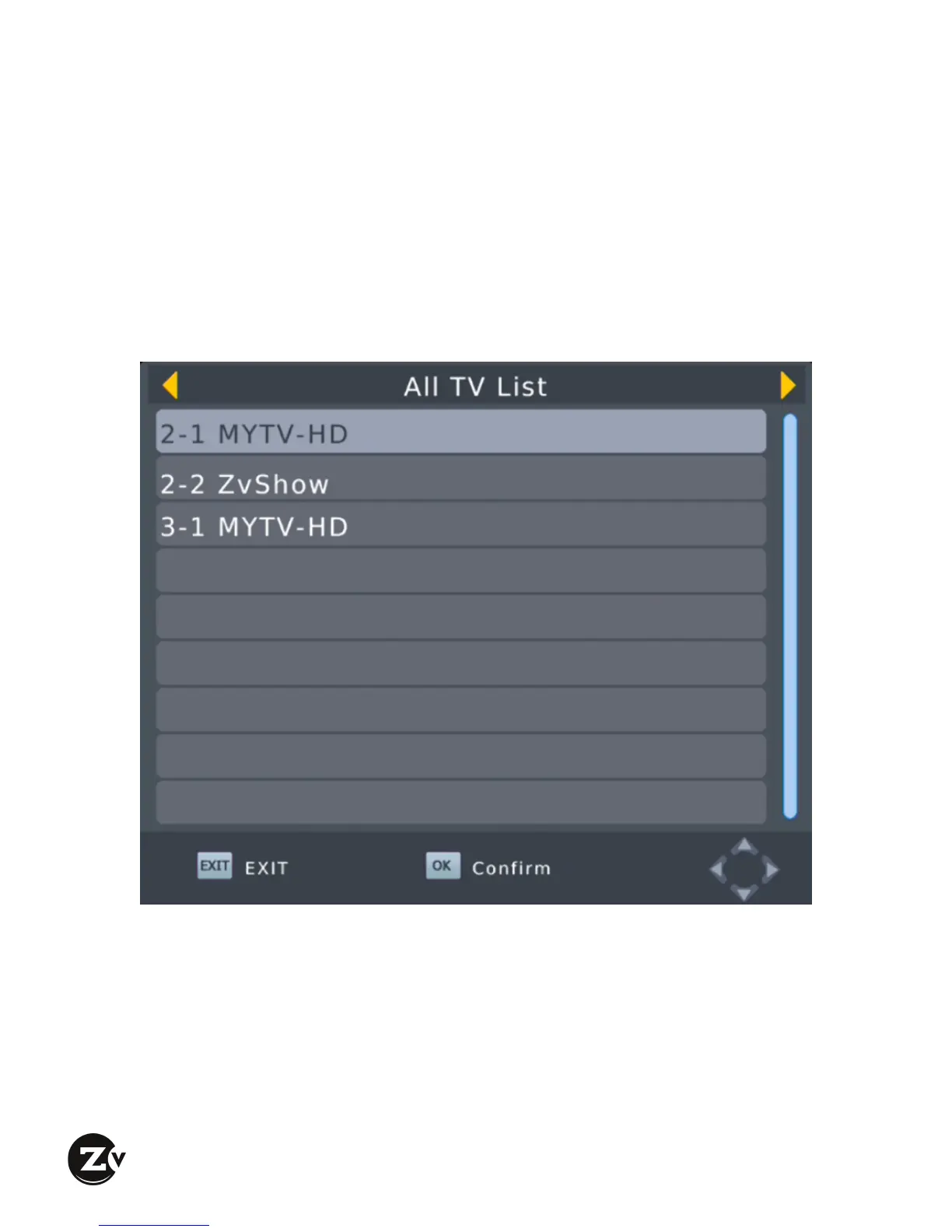
The “OK” key may be pressed at any point in time while viewing a program to
being up a complete list of the available programs that was determined during the
last scan
Navigating up or down with the arrow keys allows for rapid selection of a
program. Once highlighted, pressing the “OK” key selects the program for
viewing.
Alternately, the explicit channel number can be typed; “3-1”, for example.


 To Next Page