EasyManua.ls Logo

ZeeVee ZvSync - User Manual

ZeeVee ZvSync
32 pages
Print Icon
To Next Page IconTo Next Page
Loading...
User’s Manual
ZvSync - NA
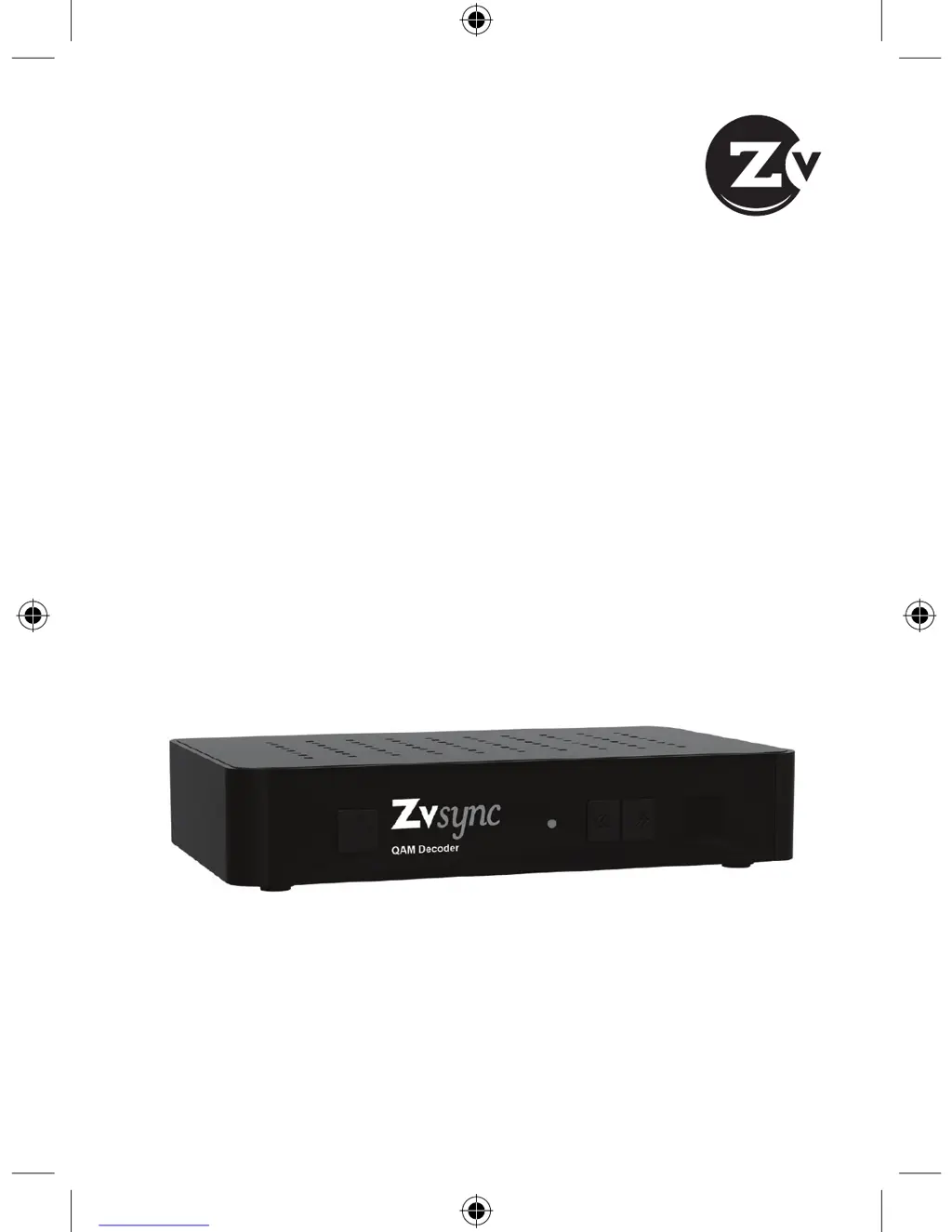
HD Digital Tuner/Decoder
QAM

Questions and Answers

Summary

Notice

Warnings and Symbols Explained

Explains the meaning of warning, caution, and note symbols and important safety symbols like DANGEROUS VOLTAGE.

Safety Instructions and Precautions

Power, Connections, and Handling

Covers safe practices for power supply, cable connections, overloading, liquids, and cleaning.

Safety Instructions and Precautions (continued)

Operational and Environmental Safety

Guidelines for ventilation, placement, attachments, and protection during storms or non-use.

1 Before Using the Product

Front Panel Overview

Details the buttons and LED status indicator on the front panel of the ZvSync unit.

1.2 REAR PANEL

Rear Panel Connectors and Ports

Explains the function of each input/output port on the rear panel of the ZvSync receiver.

1.3 REMOTE CONTROL

Remote Control Layout and Functions

Provides an overview of the ZvSync remote control, its buttons, and key sections.

Button Definitions

Remote Control Key Functionality

Detailed explanation of the specific function of each key on the ZvSync remote control.

Programmable Buttons

Programming Remote Control Buttons

Information on the programmable learning buttons (P1-P5) and their intended use.

Programming P1-P5 Buttons

Step-by-Step Programming Guide

Outlines the four-step process to copy functions from another remote to ZvSync programmable buttons.

2 Setup

Connecting to Antenna or Cable Feed

Instructions for connecting the receiver to an antenna for OTA or a cable feed.

2.3 CONNECTING TO THE TELEVISION

HDMI Cable Connection

Recommended connection method using an HDMI cable for high-definition video and audio.

2.3 CONNECTING TO THE TELEVISION (continued)

RCA and RF Output Connections

Instructions for connecting via RCA cables or RF output for standard definition output.

2.4 CONNECTING TO THE POWER SUPPLY

Power Adapter Connection

Details on how to connect the unit to the included wall-mount power adapter.

3 Installation Wizard

Initial Setup Guide

Explains the initial setup process using the on-screen installation guide for first-time use.

Installation Wizard Configuration

Channel Search Setup

Guides the user through setting up channel search and signal type (Antenna/Cable).

Installation Wizard Process

Auto Channel Search Execution

Explains how to initiate and wait for the automatic channel scanning to complete.

4 Basic Operation

4.1 PROGRAM MANAGEMENT

Introduces program management features like editing, locking, and favorites, requiring a password.

Program Management Features

Managing Favorite Channels

Steps to mark, disable, and view favorite channels for easy access.

Program Management Options

Channel Management and Sorting

Covers deleting, locking channels, using the EPG, and sorting channels by various criteria.

4.2 PICTURE SETTINGS

Adjusting Picture Settings

Guides on how to adjust Aspect Ratio, Resolution, and TV Format via the Picture menu.

4.3 CHANNEL SEARCH

Channel Search Methods and Settings

Covers Auto Search, Manual Search, Antenna Power, and Signal Type configuration.

4.4 TIME SETTING

Time, Zone, and Sleep Configuration

Guides on configuring Time Offset, Country Region, Time Zone, Sleep, and Power On/Off.

4.5 WORLD OPTION SETTINGS

Display and Audio Preferences

How to set OSD Language, Audio Language, and Digital Audio preferences.

4.6 SYSTEM SETTINGS

System Configuration Options

Covers Parental Guidance, Set Password, Restore Factory Default, Information, and Software Update.

4.7 USB & MULTIMEDIA

USB Device Usage for PVR and Media

Details requirements and supported media types for USB storage devices used with the unit.

5 Troubleshooting

Common Issues and Solutions

Addresses common problems like 'No Picture', 'No Sound', and remote control malfunctions with solutions.

6 Technical Specifications

Device Technical Parameters Summary

Lists detailed specifications for Tuner, Video, Audio, USB2.0, and Power consumption.

7 Declaration of Conformity

Regulatory Compliance and Disposal Guidance

Declares conformity to directives and provides guidance on proper product disposal.

Contact ZeeVee

Support and Sales Contact Details

Provides contact information for technical support, warranty service, and sales inquiries.

ZeeVee ZvSync Specifications

General IconGeneral
Video InputHDMI
Audio InputHDMI
EncodingMPEG-2
ResolutionUp to 1080p
Power Supply12V DC
Dimensions4.5 x 3.5 x 1.0 inches
Weight0.5 lbs
ControlIR
Frequency Range54-1002 MHz
ModulationQAM

Related product manuals