Page 22
|
ZvSync-NA User’s Manual www.zeevee.com
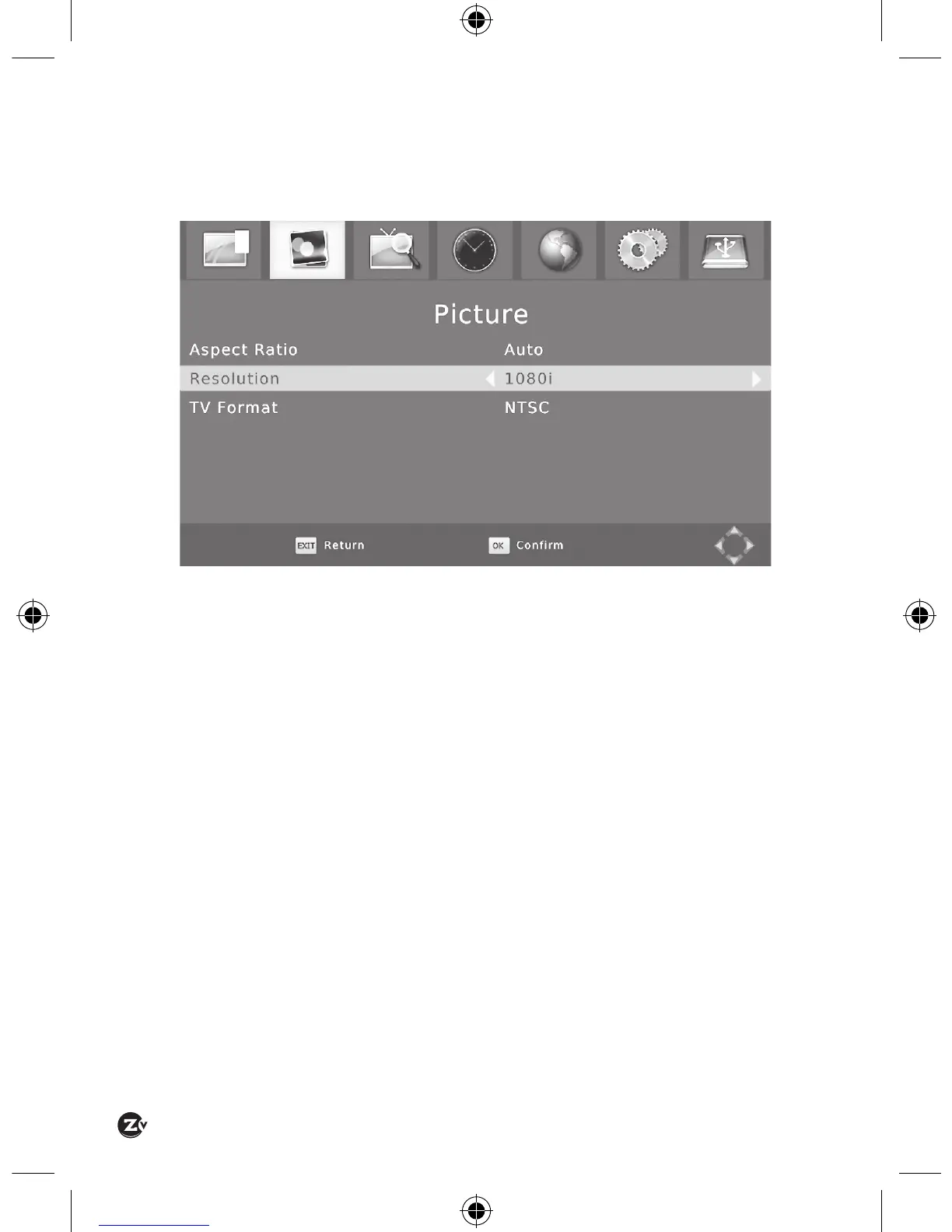
4.2 PICTURE SETTINGS
The allowed output video settings can be adjusted at the “Picture” top-level
settings page.
When the HDTV port is connected via HDMI to the display television all
the settings are honored. If component video (CVBS) or RF modulation
are being used to send the video to the display device the only supported
resolution is 480i regardless of the setting on the resolution item.


 To Next Page