Page 18
|
ZvSync-NA User’s Manual www.zeevee.com
With the “Cable” option highlighted:
Use the UP arrow to navigate to the “Auto Search” option
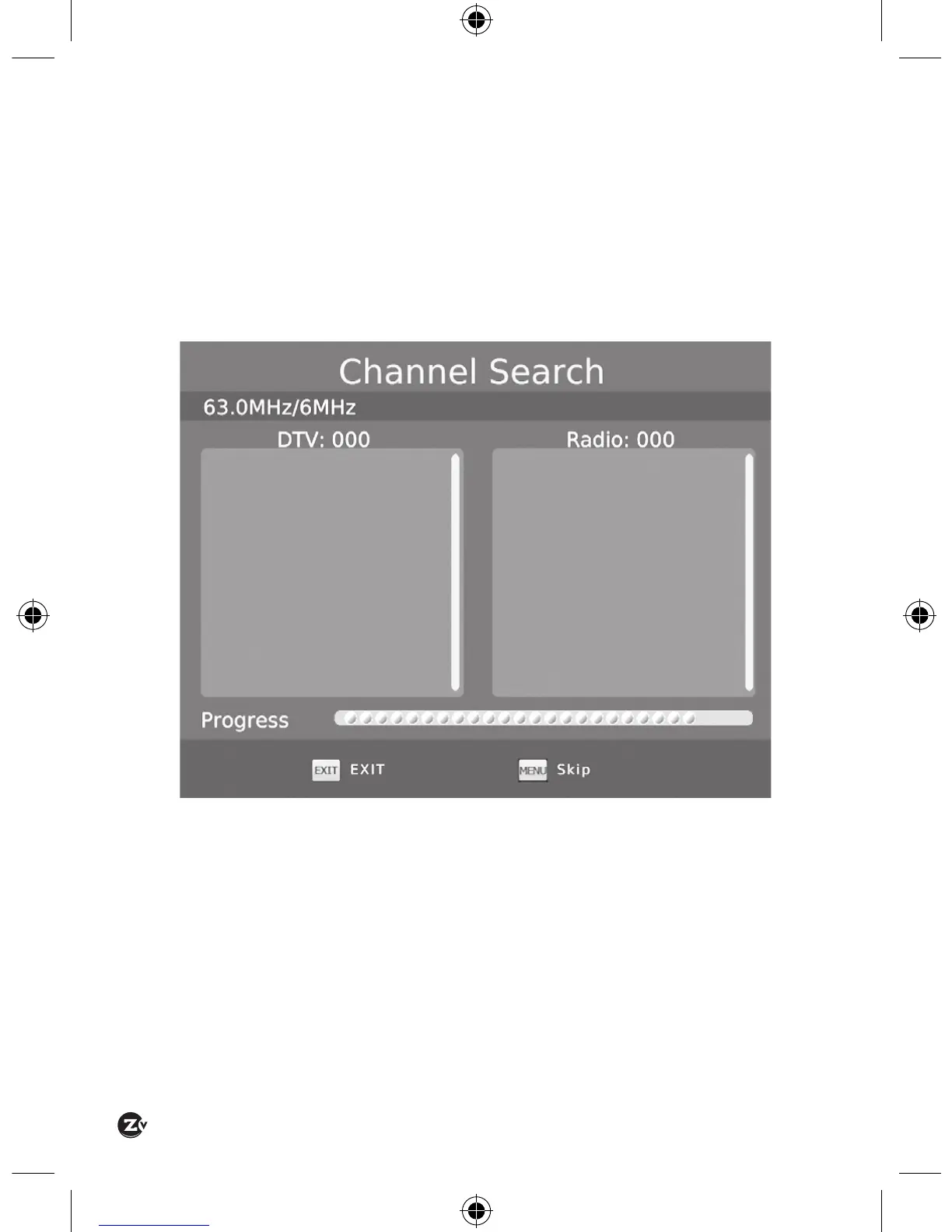
Use the RIGHT arrow key to activate a channel search
A scanning status screen showing the progress of the initial channel scan
will appear.
Allow the scanning process to run to completion (several minutes).
Once the initial scan is complete (OTA or Cable) the ZvSync may be used to
start watching television programs.


 To Next Page