13
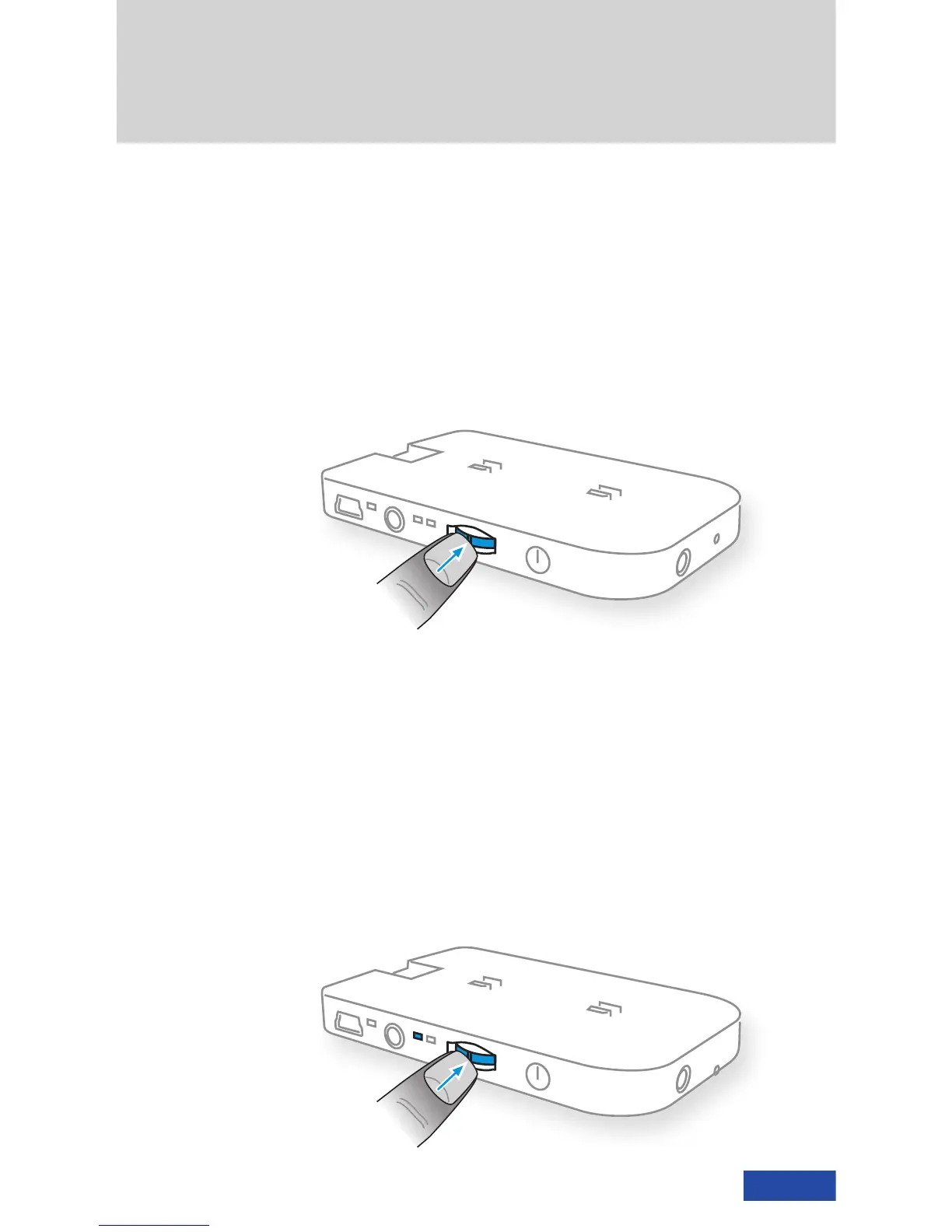
On-screen display (OSD)
A configuration menu is displayed. Briefly
press the multifunction switch to enable
the OSD.*
Switching between 2D and 3D
Press (~2 seconds) the multifunction switch
to alternate between 2D and 3D mode.
The two mode LEDs show the current mode.
The default video mode is 2D.
3D mode requires specially formatted 3D
content.*
*More details in the cinemizer manual
(www.zeiss.com/cinemizer/documents)












 To Next Page