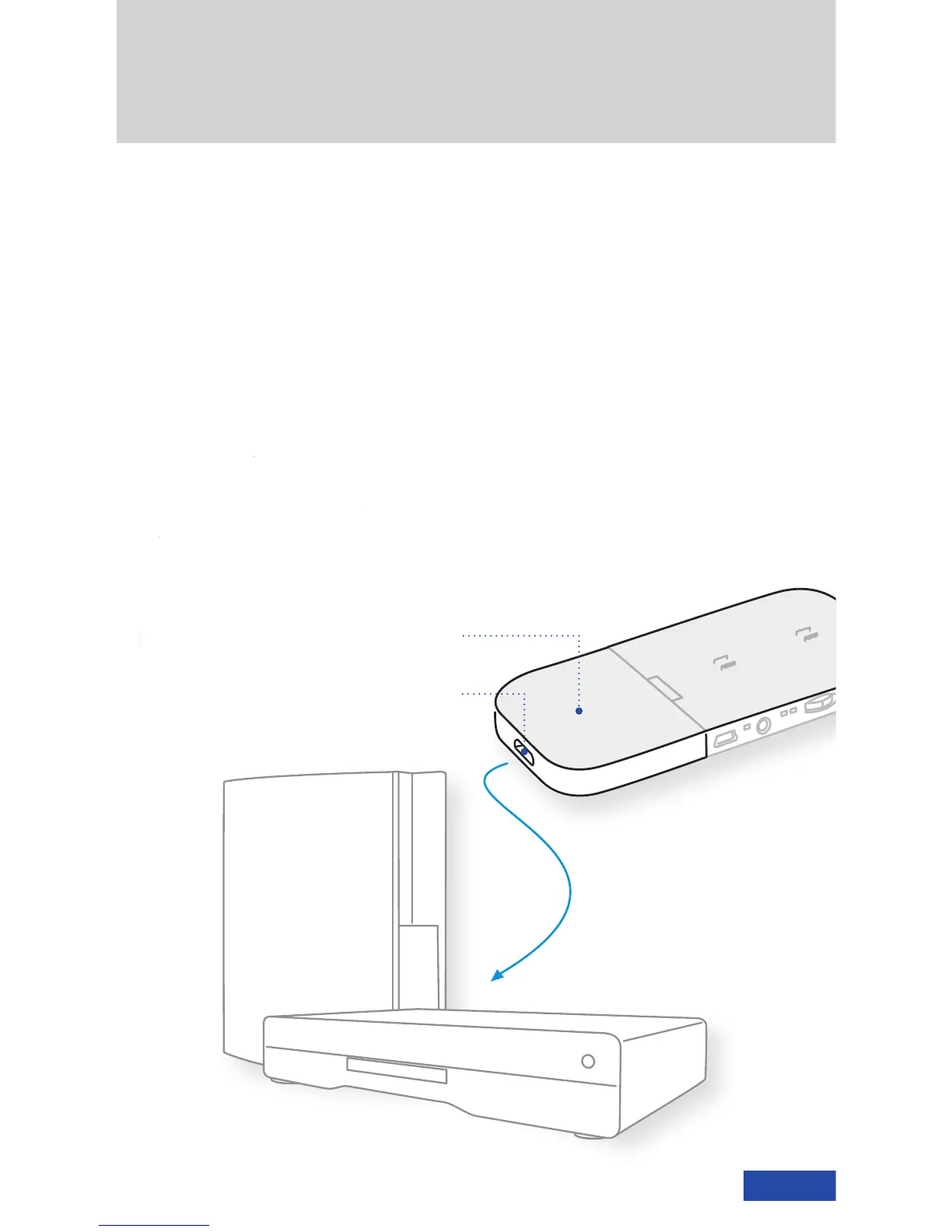
Multifunction switch
Video mode, on-screen display
and volume
Mode LEDs
2D/3D display mode
AV-in jack
3.5 mm, 4-pin connector
for other playback devices
Battery status LED
Charge/battery status display
Mini USB jack
Battery charging
Gaming console and Blu-ray player not included
cinemizer HDMI
®
adapter
When the cinemizer HDMI
®
adapter is
plugged into the battery box, an HDMI
®
device, e.g. gaming console, PC, Blu-ray
player, can be connected to the cinemizer
OLED. Please use an HDMI
®
-cable with an
“HDMI
®
mini plug“ to connect the cinemizer.
The plug type on the other end of the HDMI
®
cable depends on the used video source.
Getting started
cinemizer HDMI
®
adapter
HDMI
®
mini plug (type C)
Blu-ray player
gaming console












 To Next Page