10
INITIAL OPERATION
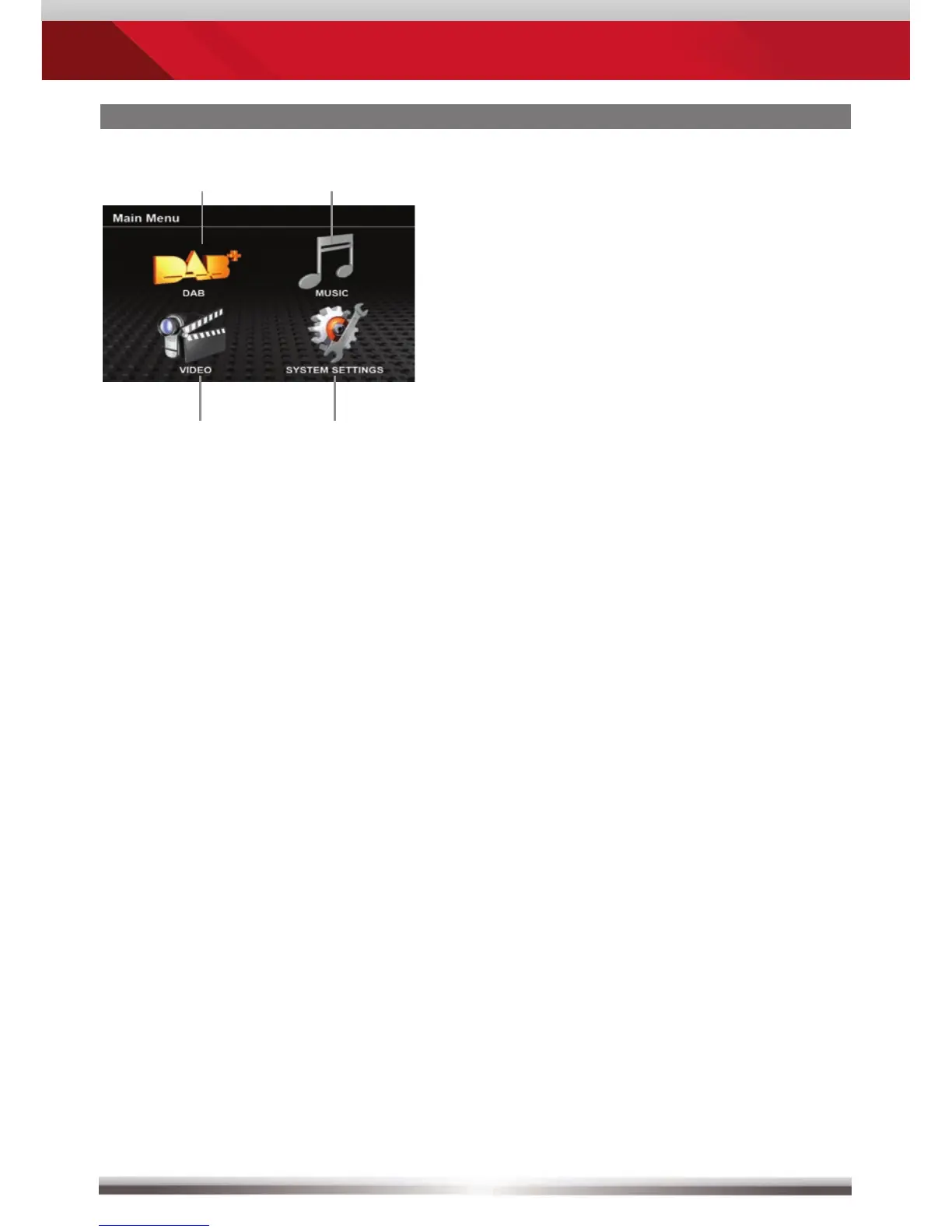
After the initial operation and choosing
the DAB/DVB-T mode (if the ZENEC
headunit doesn’t show a combined DAB/
DVB-T icon in the main menu, please
choose the DVB-T icon instead), the main
menu appears on the screen.
DAB
DAB playback
Music
Music file playback
Movie
Video file playback
System settings



 To Next Page