206-3369-A
OPERATION TV FUNDAMENTALS PAGE 11
Introducing
you to the
basics of your
Entertainment
Machine.
Basic Television Operation
On some models, the A/V input is designated as a channel that is one
below the lowest/one above the highest.
You’ll have to use the Channel Up/Down buttons to access it. The
Time/Channel display will read “Video” in place of a channel number.
Cable/Antenna Input: This setting allows you to change cable or
antenna channels and to view videocassettes on channel 3 (or 4)
in mono sound.
Video Input: This setting allows stereo playback of videocassettes. The
television cannot change channels in the Video mode, but the VCR can.
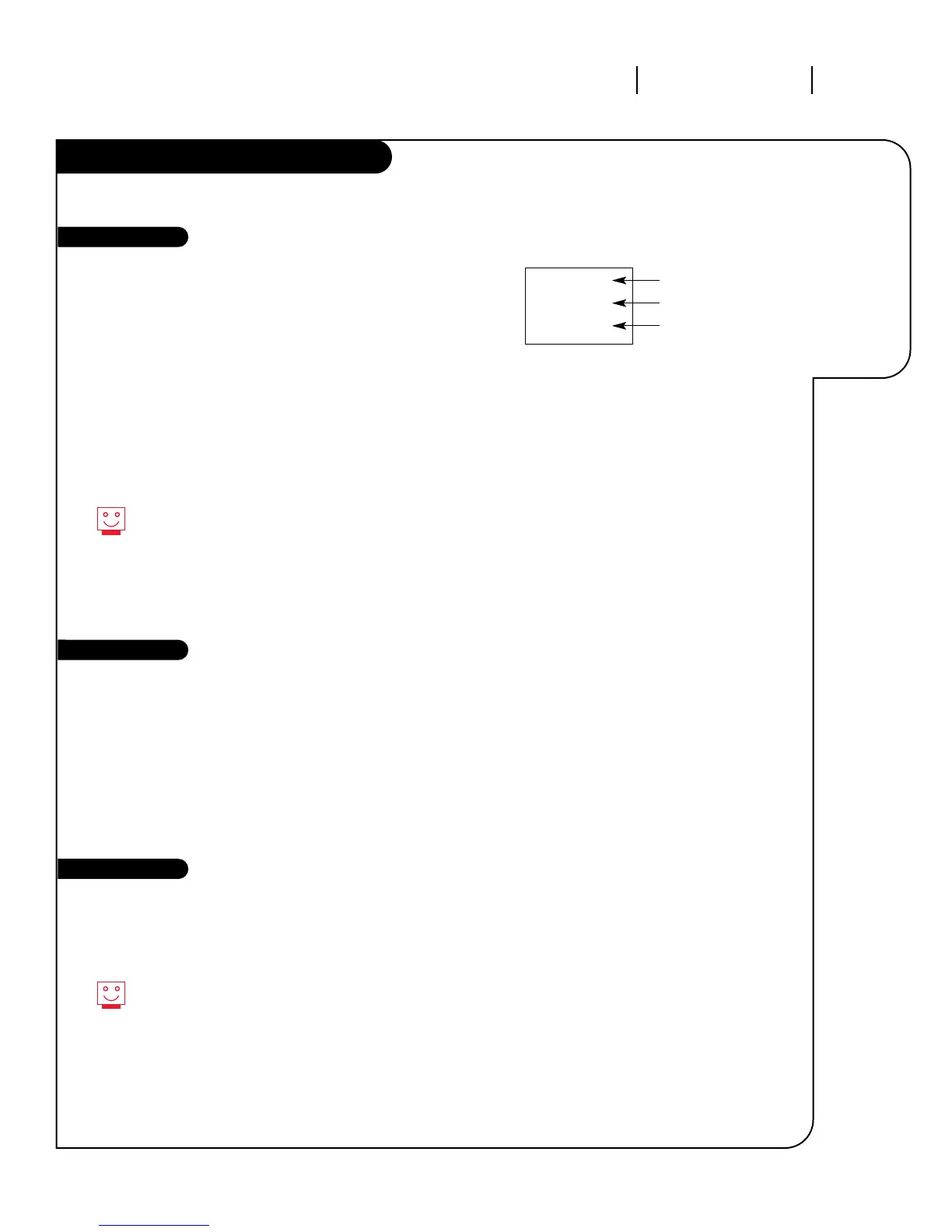
To view the current input source, press ENTER on your remote.
The Time/Channel display should appear in the upper right
hand corner of the screen. If the display reads ‘Video,’ then the
source is an A/V input. If the display reads a channel number,
then the source is your Cable or Antenna.
CHANNEL UP/DOWN arrows: Use these arrows to change the channels.
Auto program will have found all channels available to you.
NUMBER Key Pad: To skip to any channel, enter the number of the
channel using the NUMBER key pad, then press ENTER.
FLASHBACK: To instantly return to the last channel viewed,
press FLASHBACK.
Volume Right/Left: To adjust the volume level, use the volume
Right/Left arrows. To silence your TV instantly, press MUTE. To get the
sound back, press MUTE again.
While some mono models (A19AO2D and A25AO2D) do not
have A/V inputs, you can still use or install a VCR. Just turn
to page 6 to learn how to hook up your antenna and VCR.
Channel Changing
Audio
CH 12
10:55
STEREO
Channel or Video
(Indicates Source)
Time
Audio Mode
Source



 To Next Page