206-3369-A
OPERATION MENUS
PAGE 14
Set the clock
on your
Entertainment
Machine.
Clock Set
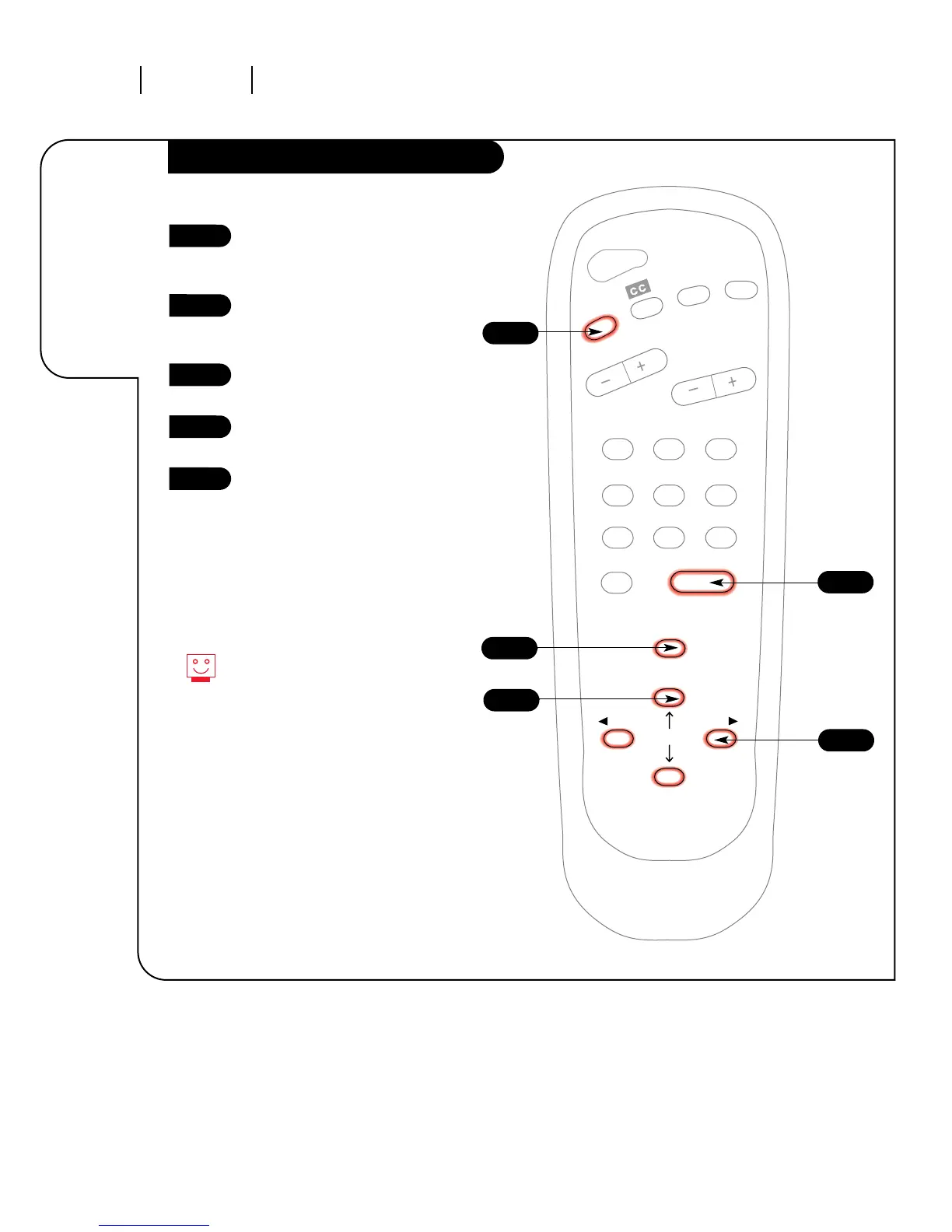
Press the MENU key on the
remote control so the Setup
menu appears.
Using the UP/DOWN arrows on
the remote control, select Clock
Set on your screen.
Press a RIGHT or LEFT arrow to
adjust the time.
Press the TIMER button to select
AM or PM.
Press ENTER to return to
TV viewing.
1
2
3
4
5
You can use the NUMBER key pad to
simply type in the time (AM or
PM is still selected with the
Timer key).



 To Next Page