206-3369-A
OPERATION MENUS PAGE 17
Choose the
language you
want all the
menus to
appear in.
Language Options
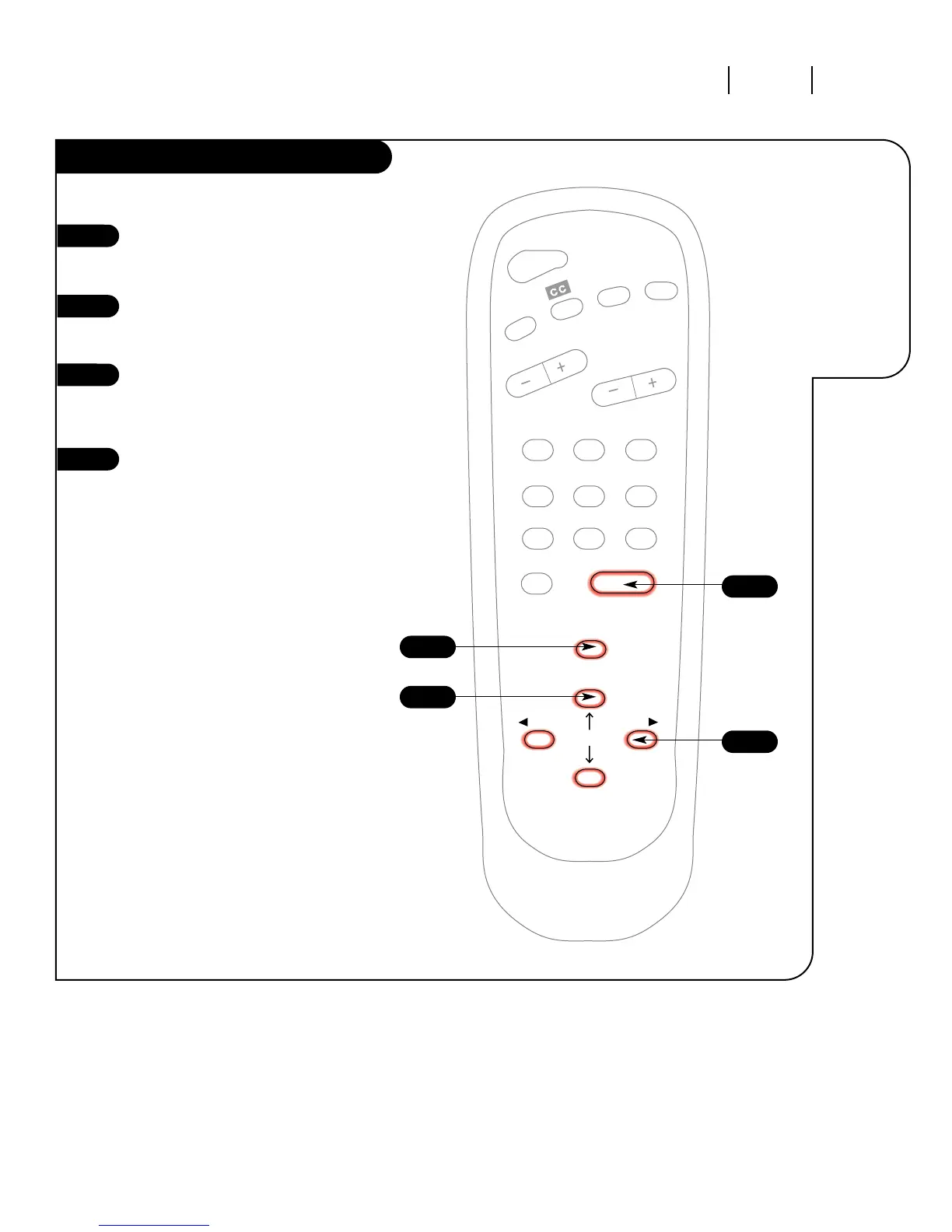
Press the MENU key on the
remote control so the Setup menu
appears.
Using the UP/DOWN arrows on
the remote control, select
Language on your screen.
Press a RIGHT/LEFT arrow to
choose any of the following
options: English, Spanish,
or French.
Press ENTER to return to regular
TV viewing.
1
2
3
4



 To Next Page