206-3369-A
OPERATION MENUS
PAGE 16
Turn on closed
captioning or
text that
appears at the
bottom of
your screen.
Captions and Text
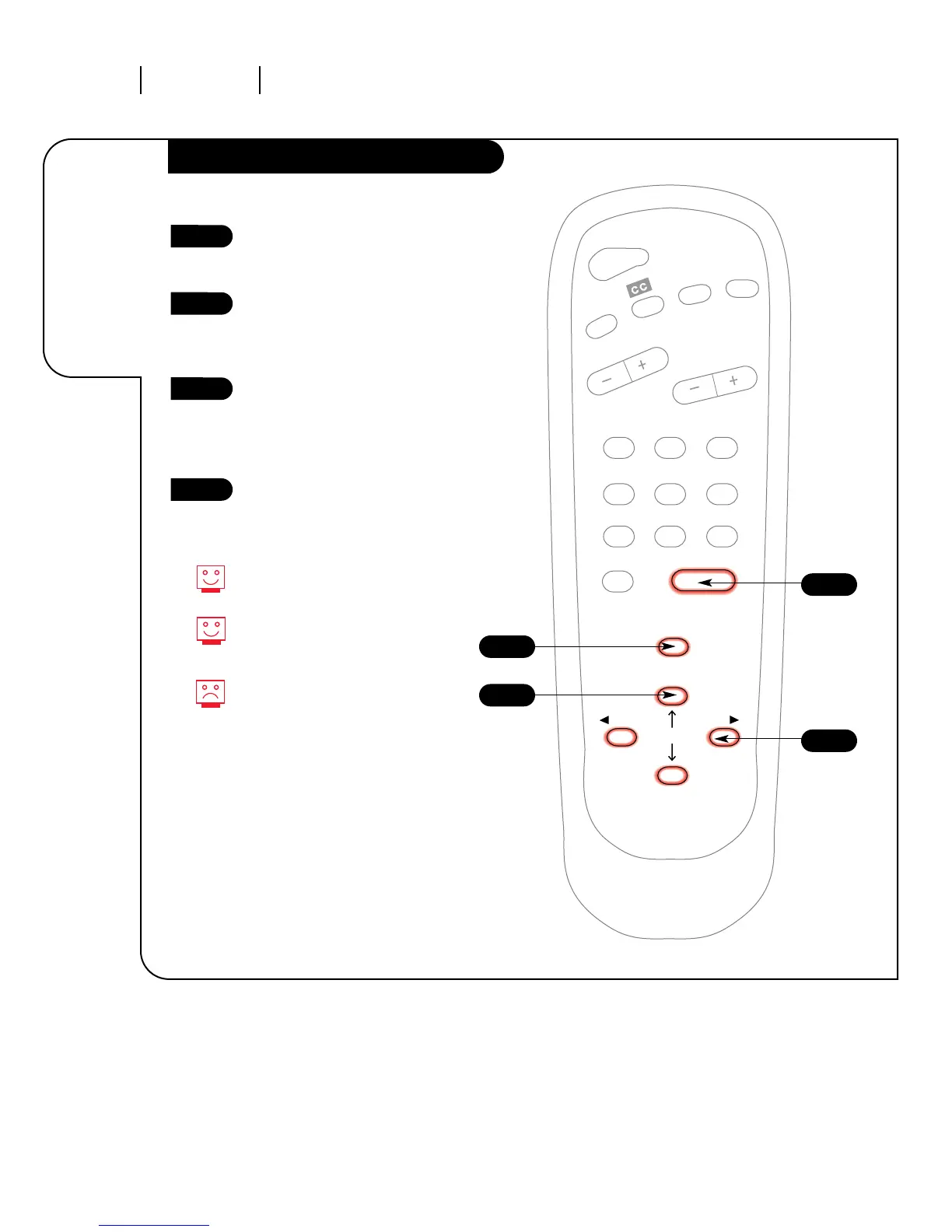
Press the MENU key on the
remote control so the Setup
menu appears.
Using the UP/DOWN arrows on
the remote control, select
Captions/Text on your screen. (The
third selection from the bottom.)
Press a RIGHT/LEFT arrow to
choose any of the following
options: Off, Caption 1,
Caption 2, Caption 3, Caption 4,
Text 1, Text 2, Text 3 or Text 4.
Press ENTER to return to
TV viewing.
Captions come in handy when the
television is on mute.
Standard Closed Captioning is
available using the Caption 1
option.
Not all programming has closed
captioning or text available.
1
2
3
4



 To Next Page