EasyManua.ls Logo

Zenith A19A02D - Remote and Front Panel Controls; Remote Control Buttons Explained

Zenith A19A02D
24 pages
Print Icon
To Next Page IconTo Next Page
To Previous Page IconTo Previous Page
Loading...
206-3369-A
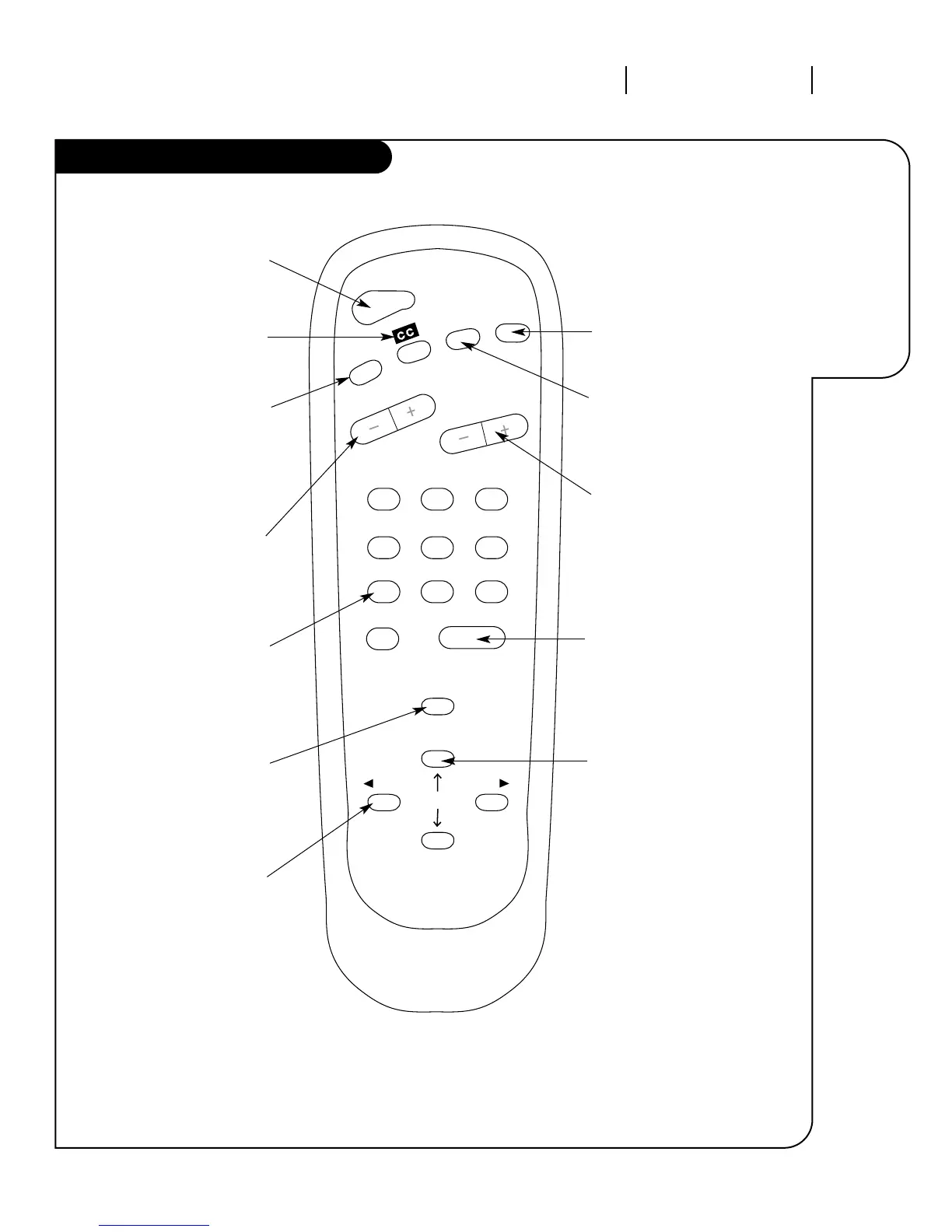
OPERATION BUTTON FUNCTIONS PAGE 9
A quick list
of all the
buttons on
your remote
and what
they do.
123
456
7
0
8
ENTER
9
POWER
TIMER
FLSHBK
MUTE
VOLUME
CHANNEL
MENU
ADJ ADJ
SELECT
Power
Turns controlled
device on and off.
Timer
Displays Sleep Timer
menu. See “Timer
Setup” on page 15 for
more information.
CC
Selects closed captions.
Flashback
Returns to last channel
viewed.
Mute
Turns sound off and on.
Volume(Up/Down)
Adjusts the sound on
your Entertainment
Machine.
Channel(Up/Down)
Cycles through available
channels.
Number Key Pad
Use for direct channel
entry or for on-screen
programming.
Enter
Displays current TV
channel and time, removes
on-screen menus. Press
after channel numbers for
instant selection.
Menu
Displays on-screen
menus available.
Select Up/Down Arrows
Selects on–screen
menu options.
Adj Left/Right Arrows
Adjust on-screen
menu options.
remote control part number
SC3492
The Buttons on Your Remote

Other manuals for Zenith A19A02D

Related product manuals