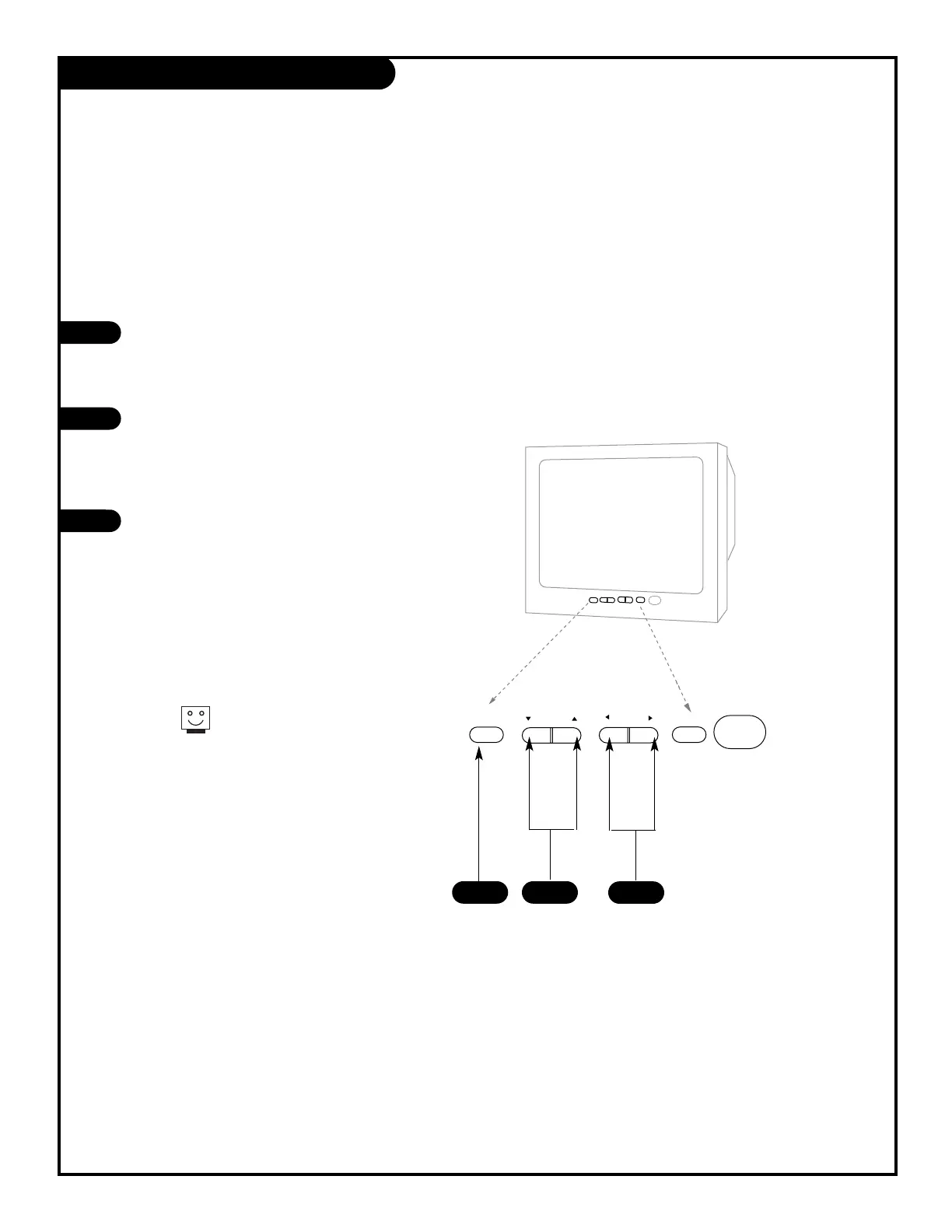
To access the Setup menus, press
the MENU button once; to get the
Video menus, press the MENU button
twice.
Choose the function you wish to
change using the CHANNEL
UP/DOWN buttons. The Channel
buttons act as a “select” (Up/Down)
function.
The VOLUME buttons act as an
“adjustment” (Left/Right) function.
Use the VOLUME buttons to make
changes or adjustments.
Menus disappear after five seconds.
To get them back, push the MENU
button again.
1
2
3
1
3
2
When using the on-screen menus, the buttons on the front panel correspond to the remote
control buttons as follows: VOLUME = Adjust Left/Right
CHANNEL = Select Up/Down
Here’s how to use your six-button panel to operate the menus.
206-3551



 To Next Page