4
3/6
1
2/5
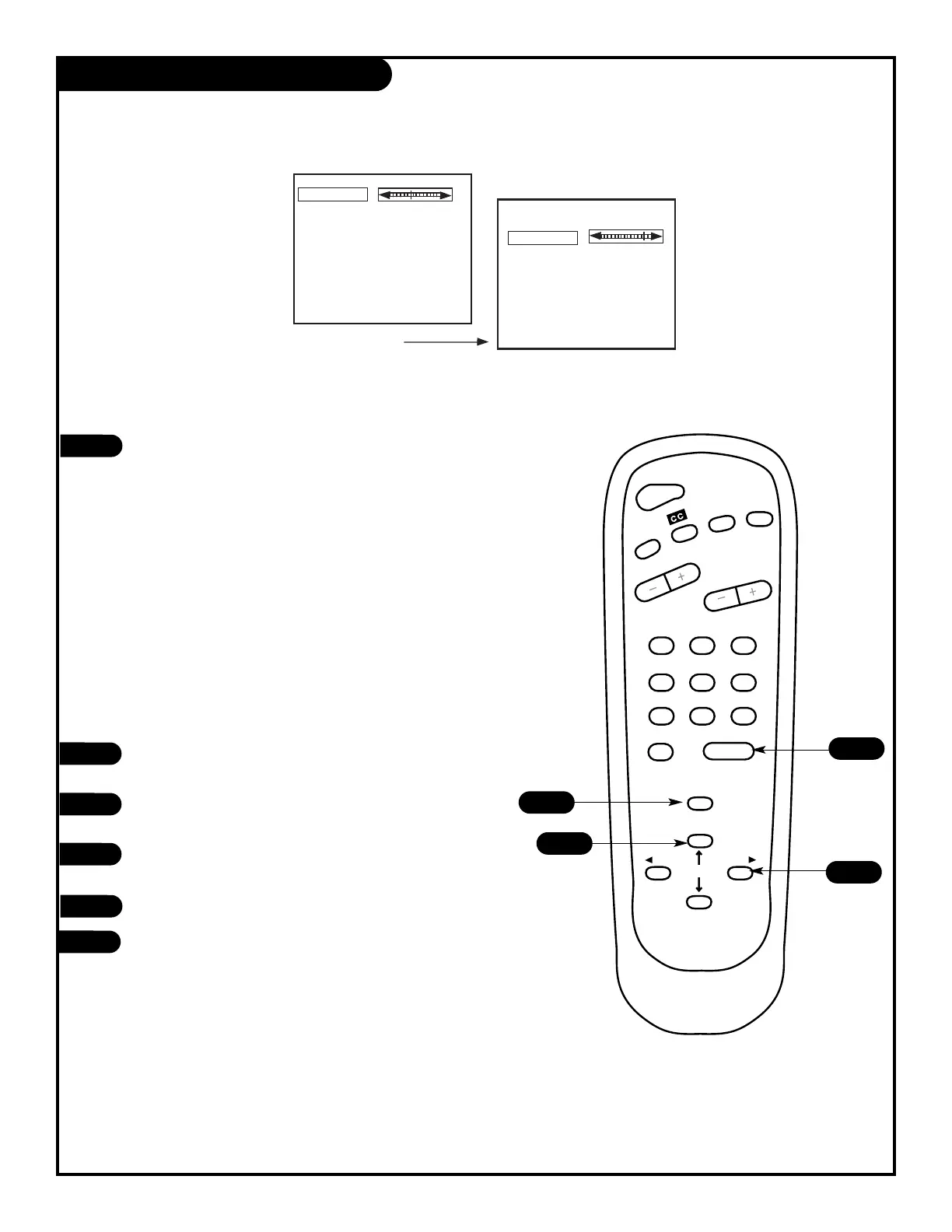
Press the MENU key twice and the Video menu will appear.
Your options are:
• Contrast: Adjusts the level of difference between white and black in
the TV picture. The more contrast, the brighter the picture appears.
• Brightness: Increases or decreases amount of white in the TV picture.
• Color: Adjusts levels of all colors in the TV picture.
• Tint: Balance between amount of red and green in the TV picture.
• Sharpness: Raise or lower the definition of the TV picture. The lower
the level, the softer the images will appear.
• Picture Preference: Choose either Custom or Preset.
Custom allows you to set the picture the way you want.
Preset moves all the above options back to their original,
factory-set levels.
Using the UP/DOWN arrows on the remote control,
select Contrast on your screen.
Using the RIGHT/LEFT arrows, adjust the contrast level
to your preference.
Press ENTER, QUIT or MENU one more time to return to TV viewing,
or repeat from step four to set the other menu options.
Using the Up/Down arrow, select Picture Pref. on your screen.
Using the RIGHT/LEFT arrows, choose either the original settings with
Preset or use your own settings with Custom.
Video Menu
PAGE 22
206-3551



 To Next Page