CHANNEL UP/DOWN arrows: Use these arrows to change the channels.
Auto program will have found all channels available to you.
NUMBER Key Pad: To skip to any channel, enter the number of the
channel using the NUMBER key pad, then press ENTER.
FLASHBACK: To instantly return to the last channel viewed,
press FLASHBACK.
Volume Right/Left: To adjust the volume level, use the volume
Right/Left arrows. To silence your TV instantly, press MUTE. To get the
sound back, press MUTE again.
PAGE 13
Basic Television Operation
Channel Changing
Audio
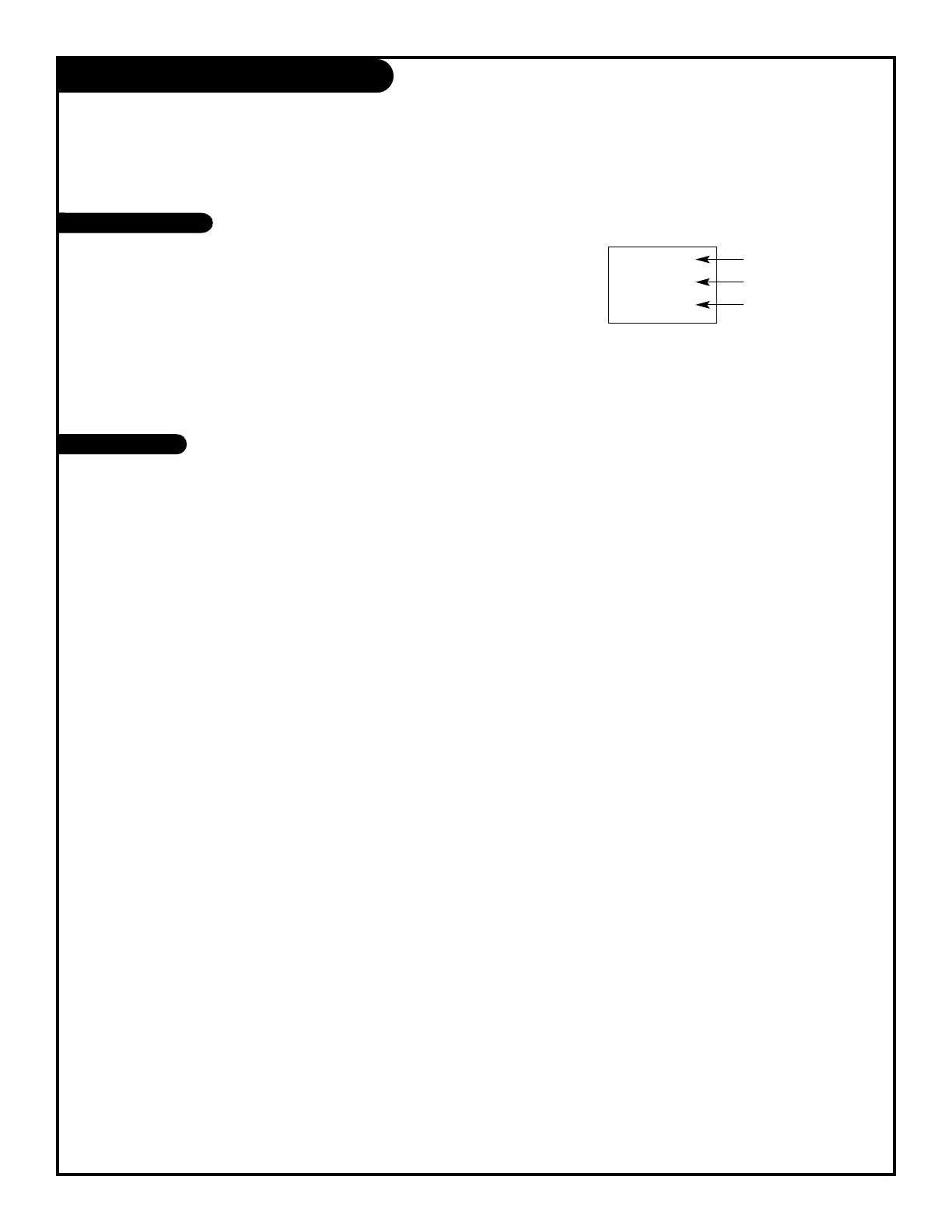
CH 12
10:55
MONO
Channel
Time
Audio Mode
Introducing you to the basics of your Entertainment Machine.
206-3551



 To Next Page