5
2
4
1
3
PAGE 15
Setting Ch. Add/Del
Customize your channel selection.
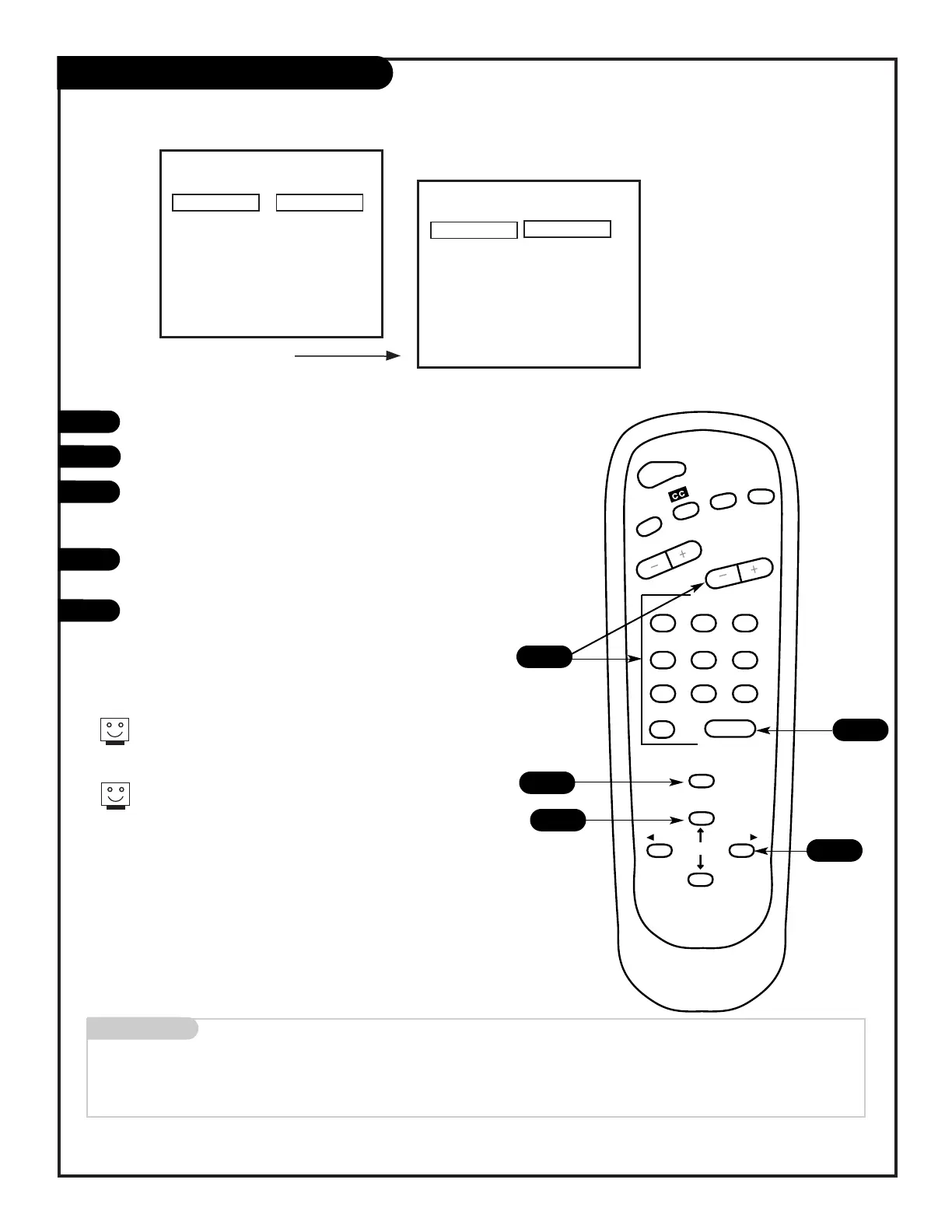
Press the MENU key on the remote so the Setup menu appears.
Select the Ch. Add/Delete menu using the UP/DOWN arrows.
Using either the NUMBER key pad or the CHANNEL UP/DOWN
arrows on the remote, select a channel. (If adding a deleted
channel, you will need to use the NUMBER key pad.)
Using the RIGHT/LEFT arrows, pick whether that channel is
Added or Deleted.
To continue, select another channel and repeat step 4.
If you are finished, press ENTER to return to TV viewing.
You can add or delete a channel without the remote control.
Please refer to page 12 on working the menus with the but-
tons on the front of your Entertainment Machine.
If you delete a channel, it isn’t gone for good. Just select it
using the NUMBER key pad on the remote, or add it later.
Mini glossary
ADD This function lets you add new channels to the list that you'll scroll through when using your remote.
DELETE This function lets you remove channels that you don't watch from the list you'll scroll through.
206-3551



 To Next Page