CM151 1-24 CA - 1386 MENUS
USER MENUS 221-1386 (Continued)
To change the channel while adjusting channel labels,
use the Channel Up/Down keys, or press the desired
channel digits, followed by ‘Enter’. (If Channel Up/Down
is pressed, the next or previous channel which was
marked ‘Added’ will appear.)
Notes:
• When the channel label is selected (see 1-28 for
labels), then the Auto channel label is activated,
in other words, the program automatically takes
the channel label of the signal that is send by
broadcasting through the XDS service.
• If the label None is selected, the Auto channel
label is deactivated.
XDS DISPLAY
Pressing the Left/Right Arrow Keys allows the customer
to select the XDS Display either On or Off.
PARENTAL CONTROL
The Parental Control Menu items are adjusted with the
Up Arrow key.
AUXILIARY BLOCK SOURCES
To Block or Unblock the sources, press the Left/Right
Arrow key.
The SOURCE key may be used to view the other source.
MPAA
The MPAA selector allows the customer to have television
programs blocked using the MPAA rating. The customer
may select either Unblocked, G and Above, PG and Above,
PG-13 and Above, R and Above, NC-17 and Above, or X.
AGE BLOCK
Use the Left/Right Arrow keys to select the Age Block
Menu.
GENERAL BLOCK
Once entered into the Age Block Menu, the customer
has the option to block programs by a General Age
Rating or to block programs by a Children Rating.
To block television programs for a General Age Rating
use the Left/Right Arrow keys to select either Unblocked,
TV-G and Above, TV-PG and Above, TV-14 and Above or
TV-MA.
CHILDREN BLOCK
To block television programs for Children’s Age Rating,
use the Left/Right Arrow keys to select either Unblocked,
TV-Y and Above or TV-Y7.
CONTENT BLOCK
Use the Left/Right Arrow keys to select the Content
Block Menu.
To block television programs with F Violence rating, use
the Left/Right Arrow keys to select either: Unblocked,
TV-Y7.
NO RATING BLOCK
To block television programs with No Rating, use the
Left/Right Arrow keys to select either: Unblocked and
Blocked.
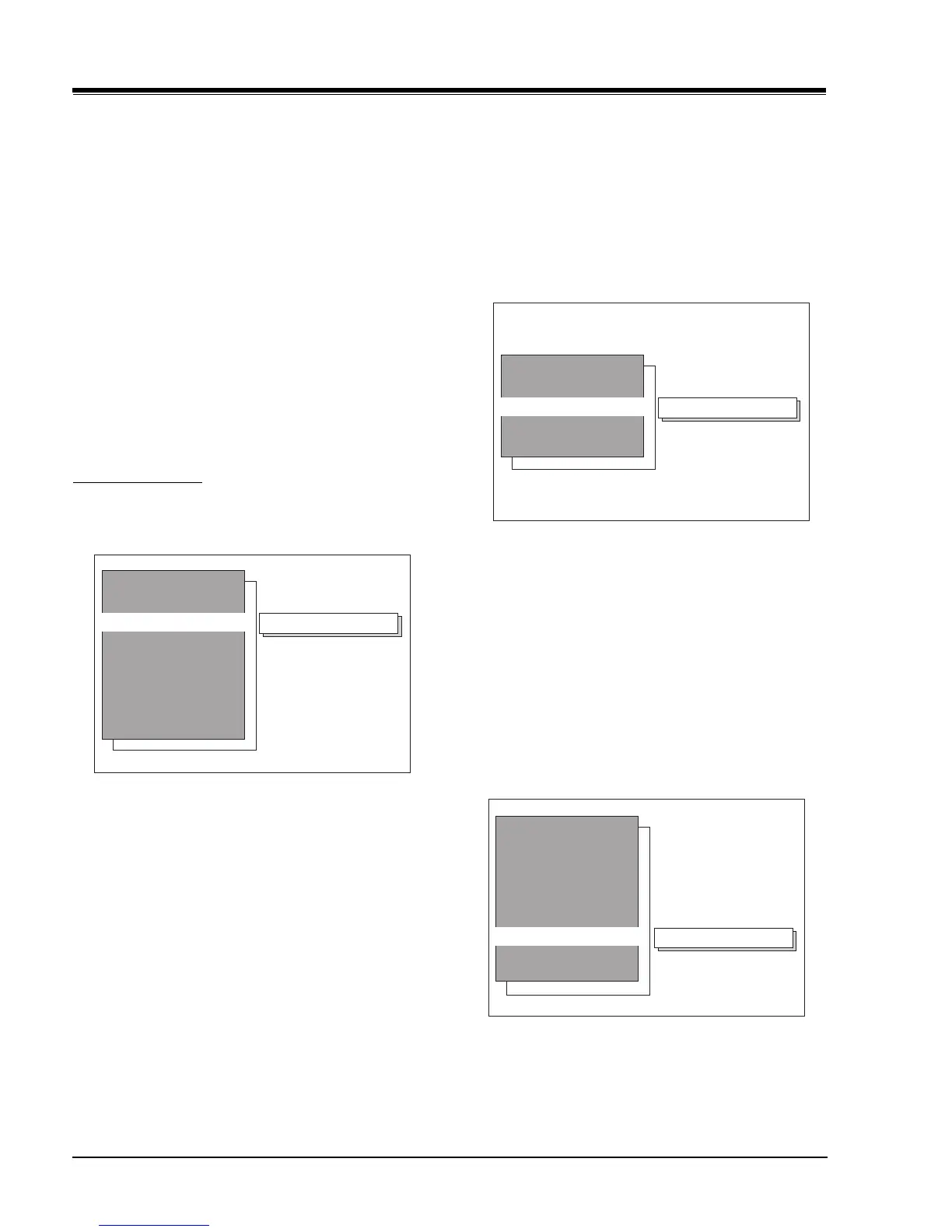
Sources Blocked
Aux Sources
MPAA
Age Block
Content Block
Set Hours
Set Password
Lock On/Off
Parental Control
Unblocked
General
Children
Age Menu
Unblocked
Dialog
Language
Sex Scences
Violence
No Rating
F Violence
Content Block



 To Next Page