CM151 1-34 CA - 1387 MENUS
USER MENUS 221-1387 (Continued)
EZ SOUND
The EZ Sound Control has six selections the customer
can select. The selections available are: Custom, Normal,
Stadium, News, Music and Theater. The Left/Right Arrow
keys may be used to select any of the choices mentioned.
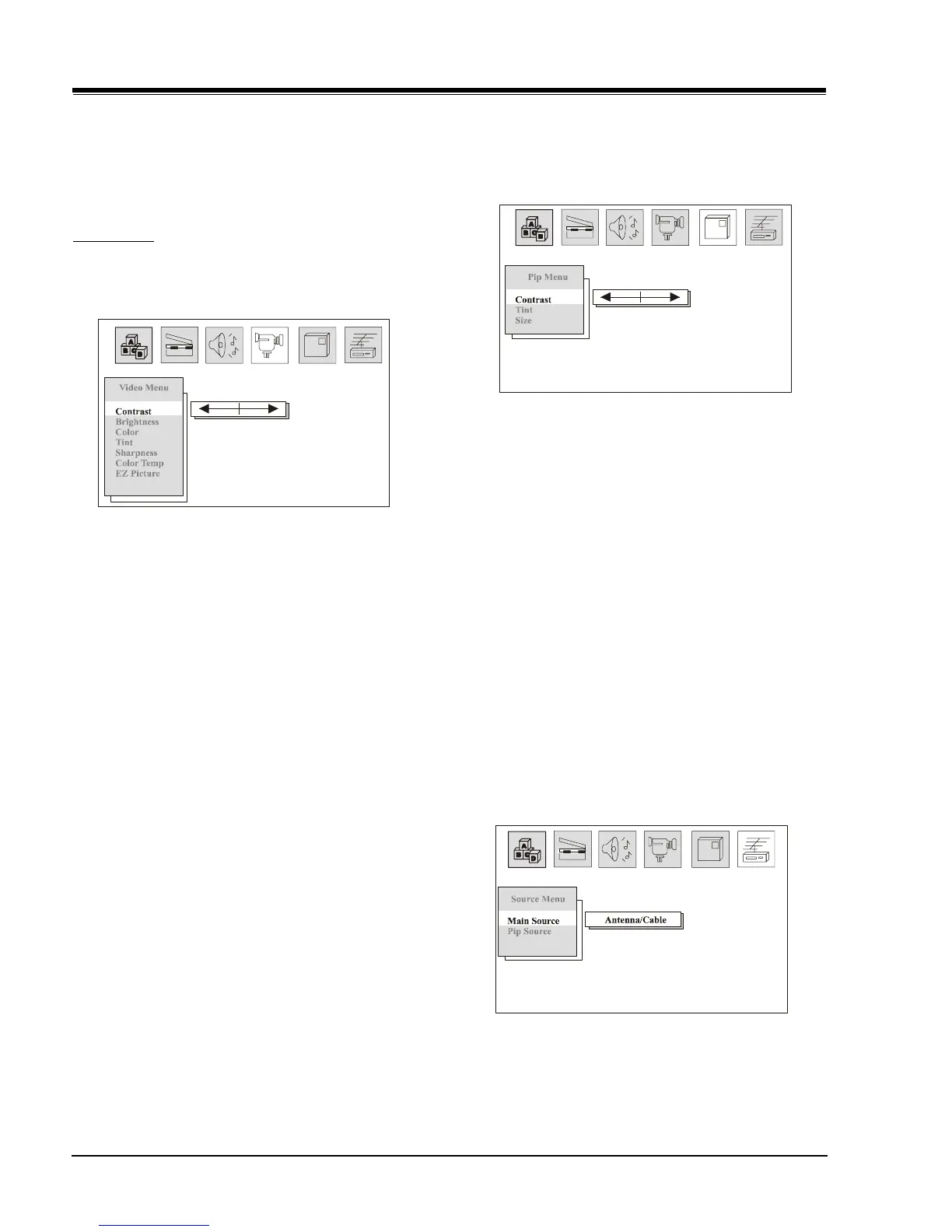
VIDEO MENU
All menu items are adjusted with the Left/Right Arrow
keys.
CONTRAST
Contrast adjustment has 64 steps (0 to 63).
BRIGHTNESS
Brightness adjustment has 64 steps (0 to 63).
COLOR
Color adjustment has 64 steps (0 to 63).
TINT
Tint Adjustment has 64 steps (0 to 63). A center mark
indicates step 29.
SHARPNESS
Sharpness adjustment has 64 steps (0 to 63).
COLOR TEMP
Sets the color temperature. The two settings are COOL
and WARM.
EZ PICTURE
This feature allows the customer to maintain two separate
Contrast, Brightness, Color, Tint, Sharpness setting
“Custom” and “Preset”. The “Preset” setting is set by
the factory.
PIP MENU
All menu items are adjusted with the Left/Right Arrow
keys.
CONTRAST
Contrast adjustment has 64 steps (0 to 63). A center
mark indicates step 31. This item allows the contrast
adjustment of the PIP window.
TINT
This item allows adjust the PIP tint. Tint Adjustment
has 64 steps (0 to 63). A center mark indicates step
31.
SIZE
This option is used to select size of the PIP window.
The customer may select the PIP window size either large
or small.
SOURCE MENU
This menu has two items, Main Source and PIP Source.
The selection of either Main Source or PIP Source
determines the signal that feeds the video processor.
The options available are Antenna/Cable or Video.
1
1
1



 To Next Page