Channel Selection
You can select channels as described below.
• Use Number (0-9) and - (dash) buttons
to select a channel directly.
• Press FAV to scroll through your
favorite channels.
• Press RECALL to return to the previ-
ous channel you viewed.
• Use CH v/^ on the Remote Control or
v/^ on the front panel to select a chan-
nel through the channels in memory.
Auto Off
This unit will be automatically turned off,
in case of no button input for a preset
time. You can set a time using the
SLEEP button.
If you select "Off", Auto Off is not activat-
ed.
Channel Banner Display
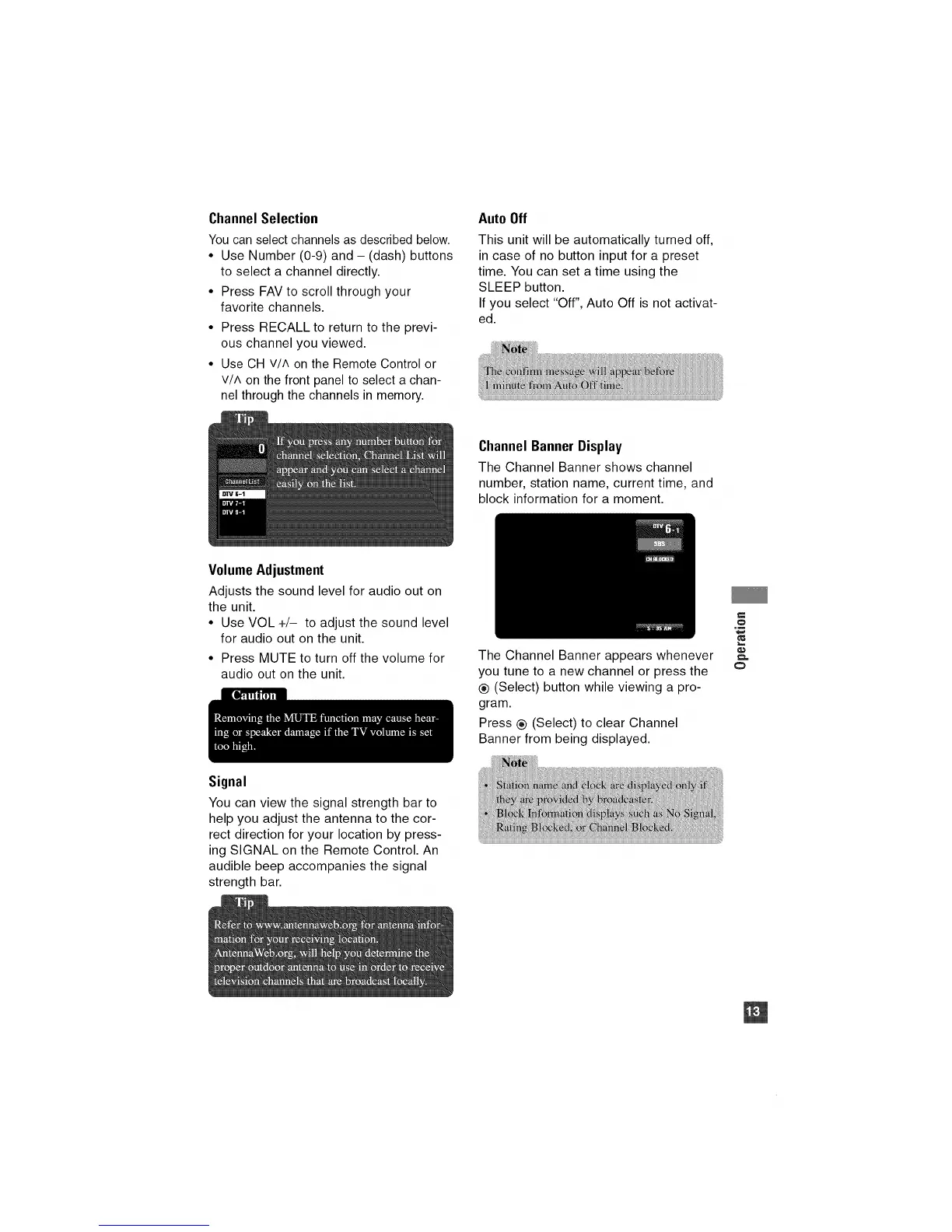
The Channel Banner shows channel
number, station name, current time, and
block information for a moment.
Volume Adjustment
Adjusts the sound level for audio out on
the unit.
• Use VOL +/- to adjust the sound level
for audio out on the unit.
• Press MUTE to turn off the volume for
audio out on the unit.
The Channel Banner appears whenever
you tune to a new channel or press the
® (Select) button while viewing a pro-
gram.
Press ® (Select) to clear Channel
Banner from being displayed.
e.,
o
,m
_JL
Signal
You can view the signal strength bar to
help you adjust the antenna to the cor-
rect direction for your location by press-
ing SIGNAL on the Remote Control. An
audible beep accompanies the signal
strength bar.


 To Next Page