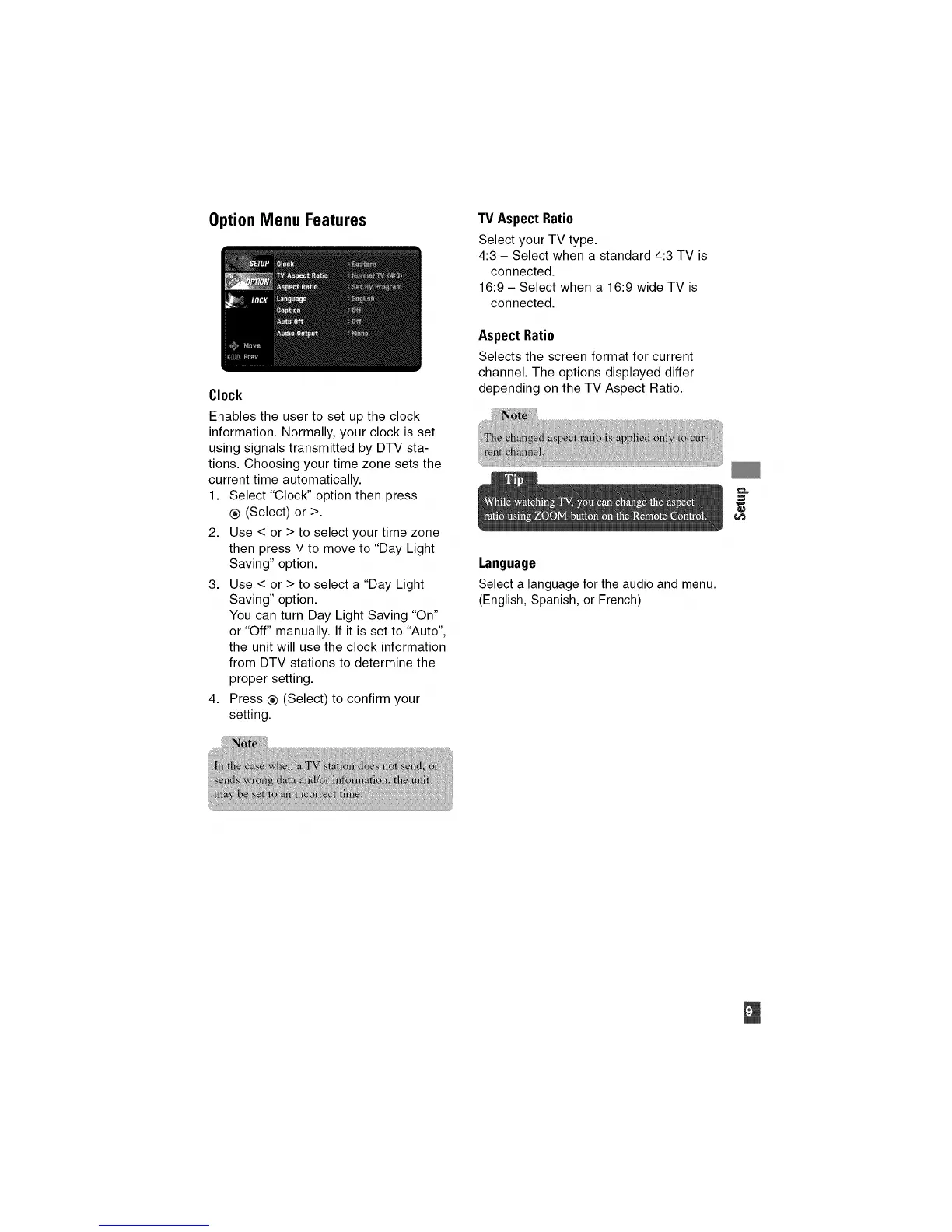
Option Menu Features
Clock
Enables the user to set up the clock
information. Normally, your clock is set
using signals transmitted by DTV sta-
tions. Choosing your time zone sets the
current time automatically.
1. Select "Clock" option then press
® (Select) or >.
2. Use < or > to select your time zone
then press v to move to "Day Light
Saving" option.
3. Use < or > to select a "Day Light
Saving" option.
You can turn Day Light Saving "On"
or "Off" manually. If it is set to "Auto",
the unit will use the clock information
from DTV stations to determine the
proper setting.
4. Press ® (Select) to confirm your
setting.
TV Aspect Ratio
Select your TV type.
4:3 - Select when a standard 4:3 TV is
connected.
16:9 - Select when a 16:9 wide TV is
connected.
Aspect Ratio
Selects the screen format for current
channel. The options displayed differ
depending on the TV Aspect Ratio.
Language
Select a language for the audio and menu.
(English, Spanish, or French)


 To Next Page