Install Guide
The Install Guide is a convenient way for
you to customize the settings of this unit.
When the unit is turned on for the first
time after connecting the power supply,
Install Guide is displayed on the screen
automatically.
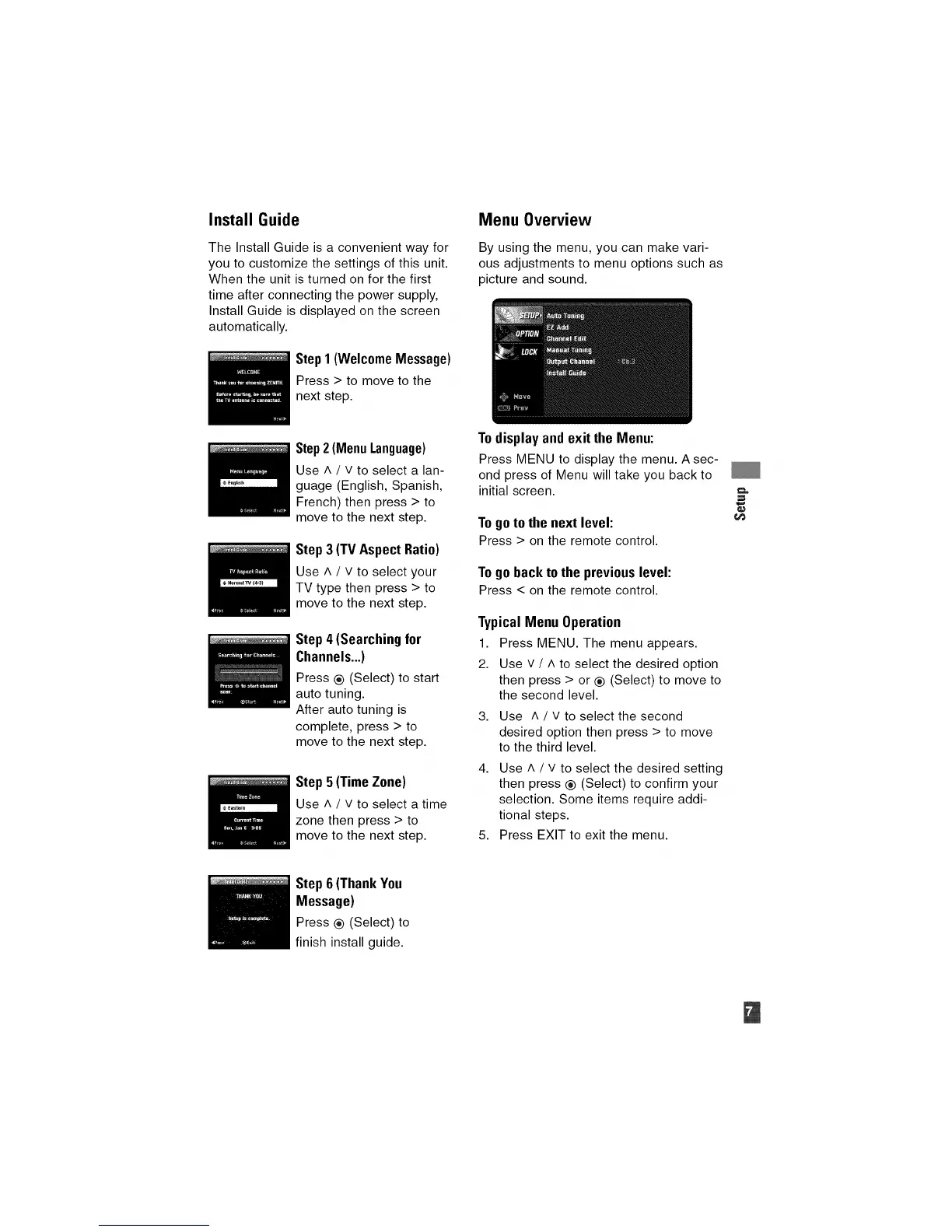
Step 1 (Welcome Message)
Press > to move to the
next step.
Menu Overview
By using the menu, you can make vari-
ous adjustments to menu options such as
picture and sound.
Step 2 (Menu Language)
Use ^ / v to select a lan-
guage (English, Spanish,
French) then press > to
move to the next step.
Step 3 (TV Aspect Ratio)
Use ^ / v to select your
TV type then press > to
move to the next step.
Step 4 (Searching for
Channels...)
Press ® (Select) to start
auto tuning.
After auto tuning is
complete, press > to
move to the next step.
Step 5 (Time Zone)
Use A / v to select a time
zone then press > to
move to the next step.
To display and exit the Menu:
Press MENU to display the menu. A sec-
ond press of Menu will take you back to
initial screen.
To go to the next level:
Press > on the remote control.
Togobackto the previouslevel:
Press < on the remote control.
Typical Menu Operation
1. Press MENU. The menu appears.
2. Use v / A to select the desired option
then press > or ® (Select) to move to
the second level.
3. Use h / V to select the second
desired option then press > to move
to the third level.
4. Use ^ / v to select the desired setting
then press ® (Select) to confirm your
selection. Some items require addi-
tional steps.
5. Press EXIT to exit the menu.
Step6 (ThankYou
Message)
Press ® (Select) to
finish install guide.


 To Next Page