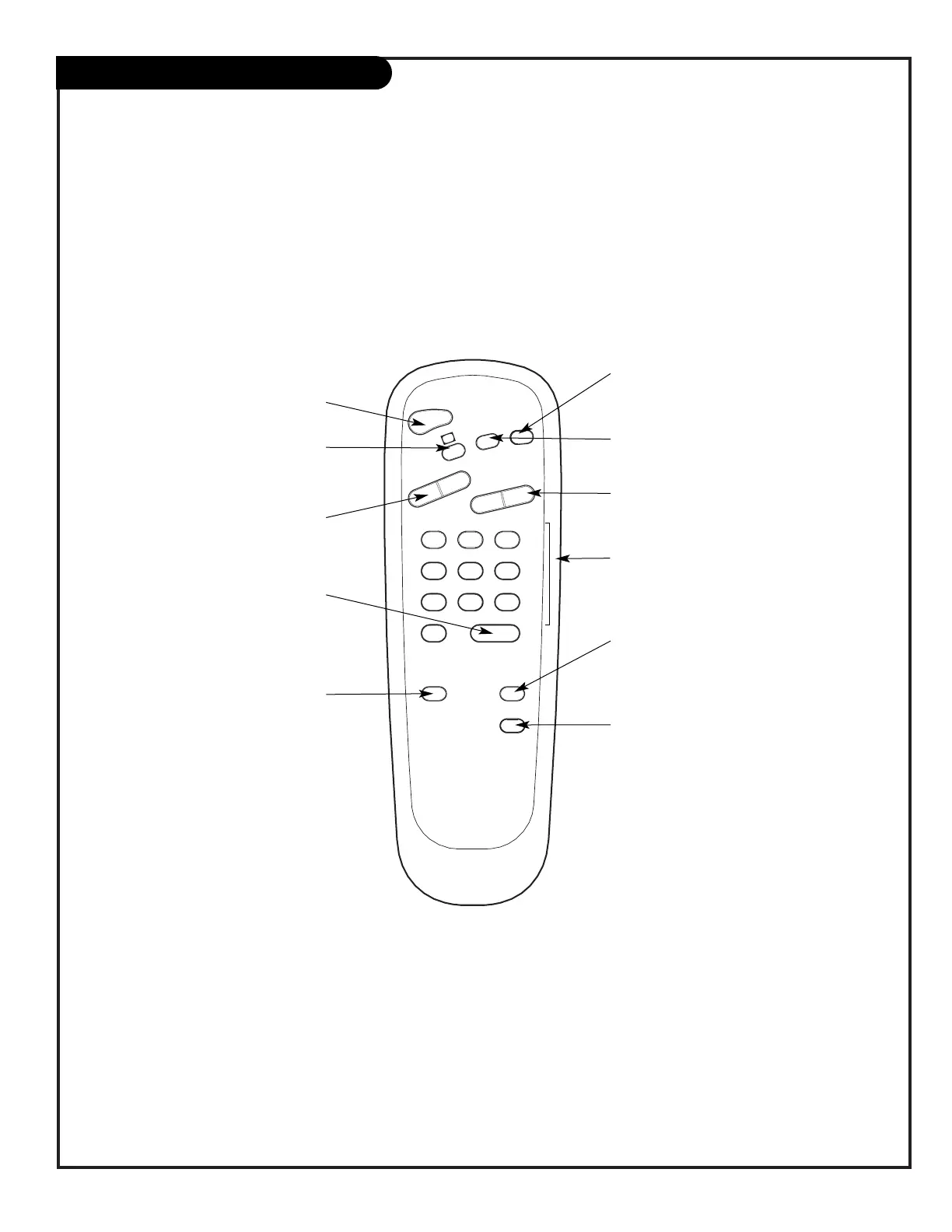
FLASHBK (FLASHBACK)
Return to the last channel viewed.
POWER
Turns TV On or Off
.
CHANNEL (UP/DOWN)
Flip through available channels, and the
Video Channel (Audio/Video source).
MUTE
Turns sound Off and On, while the picture
remains.
ENTER
Press to view the
Channel/Time/Audio display or to
remove any on-screen
display or menu.
NUMBER KEYPAD
Select channels directly: enter channel num-
bers and press ENTER to go to new channel
.
remote control part number
SC652
124-213-02
TIMER
Press repeatedly to adjust TV turn-off
time up to 4-hours.
Use to pick AM/PM on the Timer menu.
VOLUME LEFT/RIGHT
Adjusts the sound levels.
CHANNEL PREVIEW
Displays the available TV channels and gives
hotel guest access to the Parental Control
menu. Allows guest to select the Video
Channel. (Use the Audio/Video jacks on the
back of the TV as the source of the picture
and sound.)
CC (CLOSED CAPTIONING)
Press to access closed captions.
Press ENTER to exit.
A quick list of the keys on your remote and what they do.
ALARM
Press to display menu, the follow on-screen
instructions to set a wake-up time.



 To Next Page