INSTALLATIONPAGE 10
Before you
can record
programs
with VCR
Plus+®C
3
, you
must tell this
VCR the
PlusCode
TM
channels for
your area.
Setup for VCR Plus+®C
3
recording
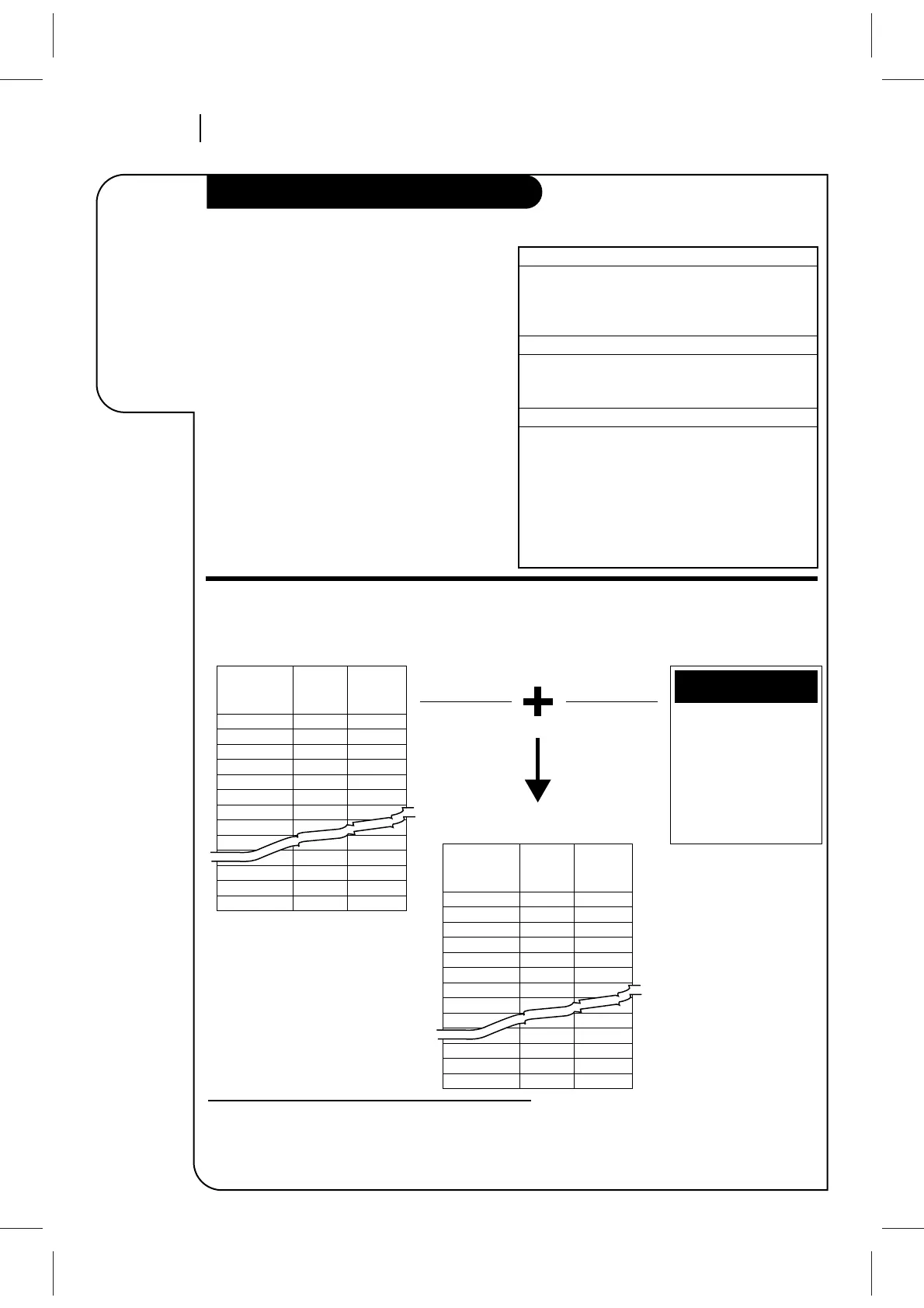
Example of Completed Worksheet
VCR Plus+ C
3
and PlusCode are trademarks of Gemstar Development
Corporation. The VCR Plus+ C
3
system is manufactured under license
from Gemstar Development Corporation.
Introduction
These PlusCode
TM
channels must be mapped to the
active channels you found using AUTO CHANNEL
on the SETUP menu. An example of channel
mapping and a blank worksheet are provided for
your convenience. Check the TV schedule in your
local newspaper for the published PlusCode
TM
channels.
Note: The C
3
system provides cable-box channel
control for most cable boxes.
Channel Mapping Your VCR
PREPARATION (Already Done)
See “Before You Operate Your VCR”.
1. Set Date and Time for Clock.
2. Select Tuning Band for VCR.
3. Use Auto Channel to find channels.
PRELIMINARY STEPS
1. Turn on VCR, TV, and cable box (if used).
2. Select TV (or CATV) for SOURCE on SETUP menu.
3. Obtain listing of PlusCode channels.
CHANNEL MAPPING
1. Complete Channel Mapping Worksheet.
2. Determine the ‘MFR’ number for your cable box
or DBS (if used) from the list of Cable Box/DBS
‘MFR’ (Manufacturer) Numbers provided on the
next page.
3. Press VCR+ on remote and follow all on-screen
instructions. Enter channels with Numbers. Use
ADJ (Left/Right) to erase (some models).



 To Next Page