OPERATION PAGE 25
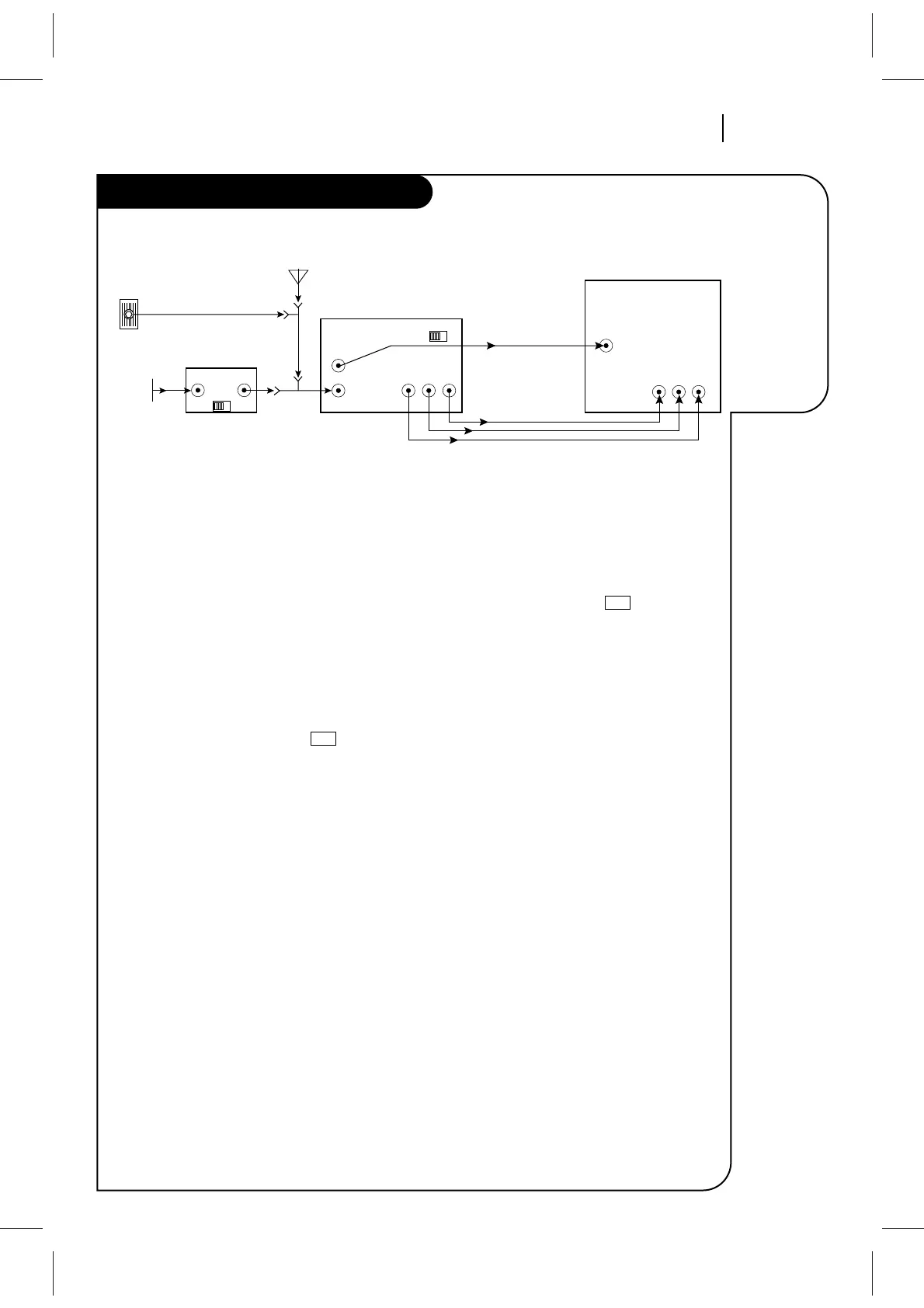
This page
shows a
typical video
system and
explains how
to select
channels.
Watching TV Through the VCR
Selecting Channels when the VCR is OFF
1. Turn TV on.
2. Select channel you’d like to watch at the TV. If
you have a cable box, select channel 3 or 4 at
the TV. Selects cable box channels at the cable
box.
Selecting Channels at the TV when VCR is
ON
1. Turn TV and VCR on.
2. Place VCR in TV mode by pressing TV/VCR on
the remote repeatedly until the symbol
disappears from the VCR front panel.
3. Select channel you’d like to watch at the TV. If
you have a cable box, select channel 3 or 4 at
the TV. Select cable box channels at the cable
box.
Selecting Channels at the VCR when VCR is
ON
1. Turn TV and VCR on.
2. Place VCR in VCR mode by pressing TV/VCR on
remote repeatedly until the symbol
appears in the VCR front panel.
3. Select channels 3 or 4 at the TV. If you have
connected your VCR to the TV’s A/V input
jacks, select the A/V source at the TV for a
better picture.
4. Select the channel you’d like to watch at the
VCR. If you have a cable box, select channel 3
or 4 at the VCR. Select cable box channels at
the cable box.
VCR
VCR



 To Next Page