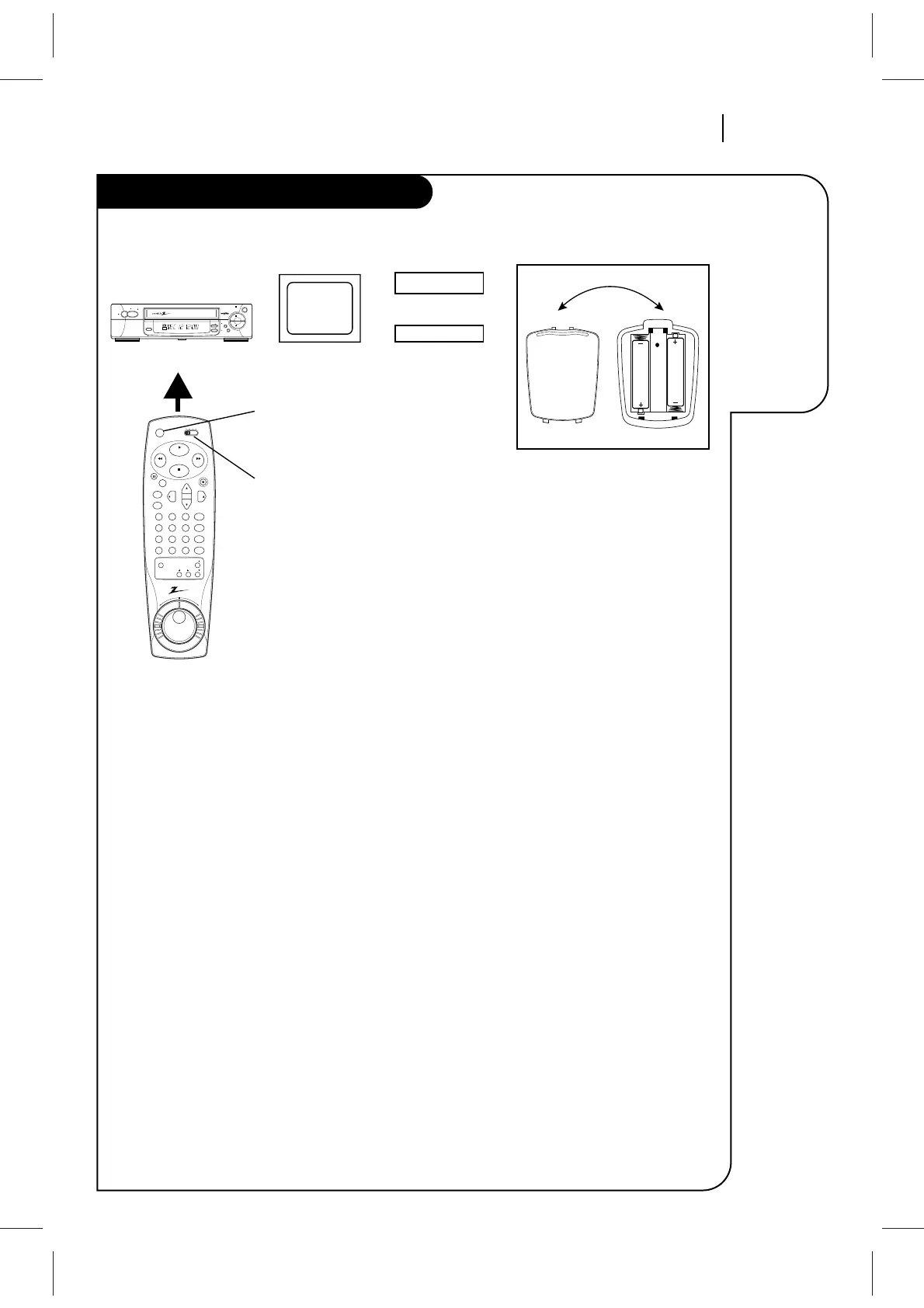
Be sure to install the batteries
provided with this remote. Match
positive (+) and negative (-) with
markings shown in battery com-
partment.
After installing batteries, the
remote resets to the following
brand codes:
TV = 100, CABLE = 300
NOTE: All VCR operations and menu
options can be accessed by using
the remote control.
ADJ (ADJUST Left/Right) — Changes status of
menu options. Adjusts tape playback tracking while
in VCR mode.
CH (Up/Down) — Changes favorite channel list.
Also selects AUX A/V input channel.
CM SKIP — Fast forwards picture search through
30 seconds of recording.
ENTER — Programs menu options and shows VCR
status display.
F FWD (Fast Forward)—Advances tape rapidly.
MEMORY — Returns real-time tape counter to
zero (M 0:00:00).
MENU — Shows main menu. Accesses Zenith TV
menus while in the TV mode.
MUTE — Press to turn off TV sound. Press again to
restore TV sound.
Numbers — Chooses channels and enters pro-
gramming information.
PAUSE — Pauses tape temporarily during playback
or record.
PLAY — Begins tape playback.
POWER — Turns VCR On and Off. Also turns VCR
Timer Off and On, if programmed.
PROGRAM — Programs remote with brand codes for
your brand of TV and/or cable box (DBS)/ DVD.
QUIT/CC — Exits menu system. Selects closed
caption for some TVs while in TV mode.
REC/ITR — Begins tape recording.
REV ❚❚ FWD (Reverse/Forward) — Rotate Shuttle
Ring for variable-speed playback. Move Jog Wheel
for frame-by-frame playback.
REW (REWIND) — Rewinds tape to the begin-
ning.
SEL (SELECT Up/Down) — Chooses on-screen
menu options.
SP/EP — Chooses tape recording speed.
STOP — Cancels playback or record modes.
TV/VCR — Switches source of TV picture between
TV channel and VCR channel selection. VCR func-
tions are available in TV mode.
VCR/CBL(DBS)/TV/DVD — Selects operational
mode of remote.
VCR+ — Begins VCR Plus+® setup and accesses VCR
Plus+®C
3
recording.
VOL (VOLUME Up/Down) — Changes volume of TV.
Remote Control Operation
Selecting Mode of Operation
1. Slide VCR/CBL(DBS)/TV/DVD selector
to desired position for VCR, cable box
(DBS), TV, or DVD operation.
2. Press POWER to turn On/Off the
selected equipment.
3. Refer to instructions with TV, cable
box (DBS) and/or DVD for operation.



 To Next Page