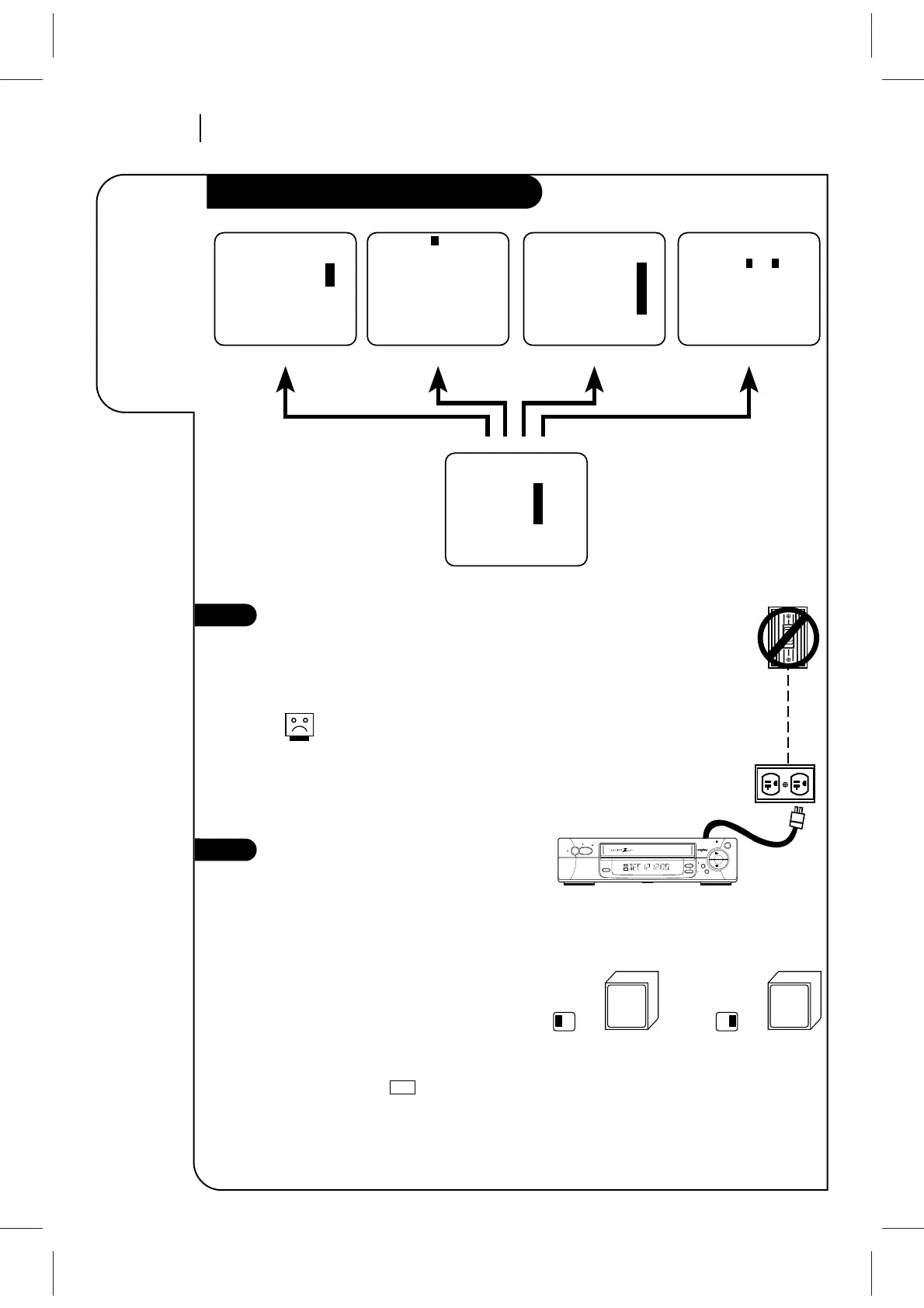
Connect the Power
(Required) Plug your VCR into an unswitched
120 Vac, 60 Hz household power outlet. Turn
on the VCR by pressing the POWER on the
remote or on the VCR’s front panel.
Do not plug the VCR into a switched
power outlet. Otherwise, when the
power is switched off, the VCR turns
off. You may then have to reset the
time and date, and reprogram opera-
tional features.
Set Position of the CH3/CH4 Switch
(Required) The CH3/CH4 switch on the VCR’s
back panel determines which channel the VCR
uses to send video signals to your TV. The TV
must be tuned to the same channel you set
with the CH3/CH4 switch to see tape play-
back and status displays from the VCR. To
determine which video channel provides the
best picture for your system, try the switch
in CH3 position and tune your TV to channel
3; then try the CH4 position and tune your
TV to channel 4.
For a test display, press TV/VCR on remote
repeatedly until the symbol appears in
the VCR’s front panel display. Press MENU on
the remote to see the main menu.
VCR



 To Next Page