OPERATION PAGE 29
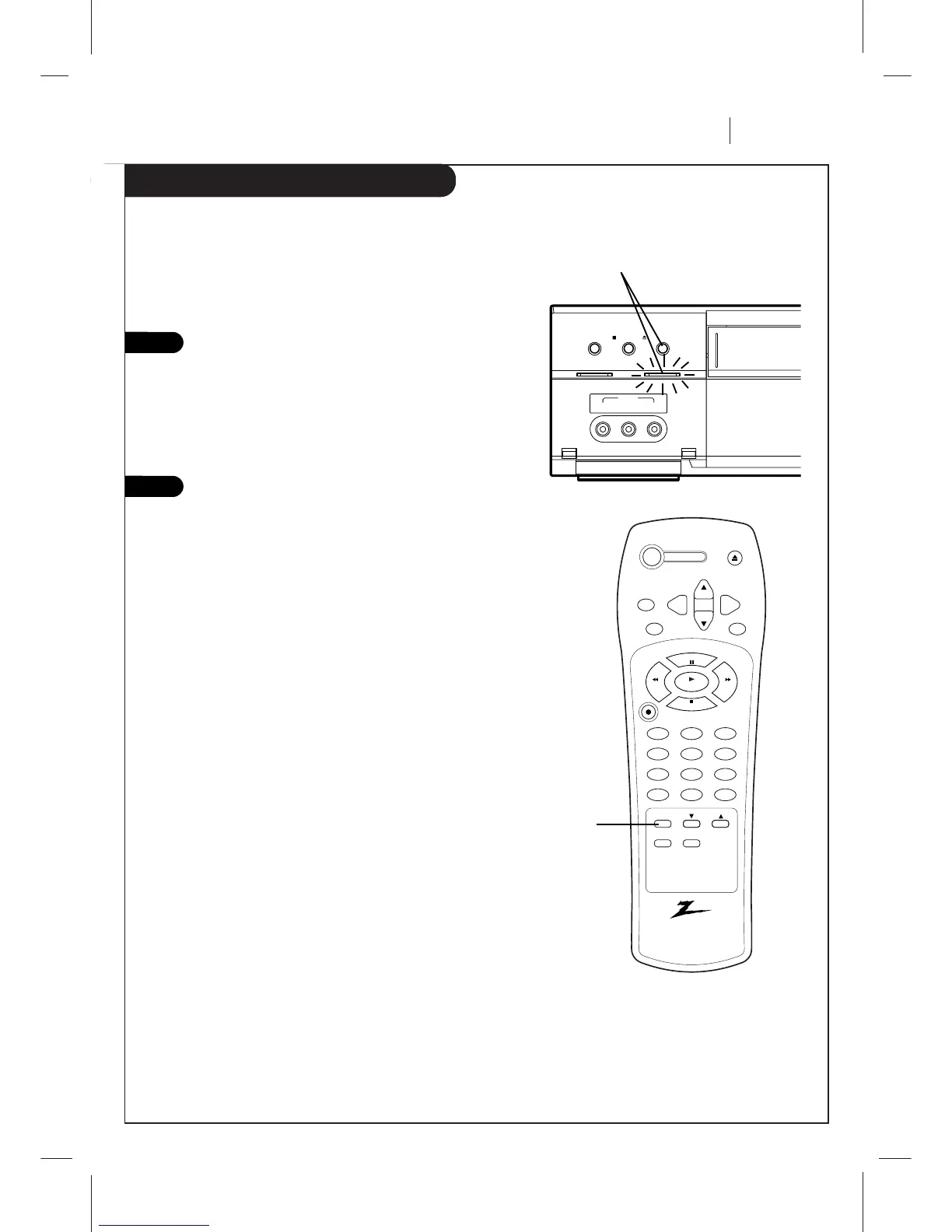
Easy Watch Playback
Using Easy Watch Playback after timer recording is conve-
nient. You can make timer recordings and play back only
the portion you just recorded with the timer by pressing a
single button later.
Stop recording (when recording without timer).
EZ WATCH indicator on the VCR lights.
Note: If another operation button is pressed
after you stop recording, Easy Watch Playback
will be canceled.
Press EZ WATCH on the VCR or remote control.
The tape rewinds to the start of the recorded
portion and playback begins.
Note:
When you set the timer for more than two timer programs.
The VCR starts playing back from the earliest one when you
use Easy Watch Playback.
2
1
Playing back the portion you just recorded.



 To Next Page