19
Recording Operation
To download music into computer:
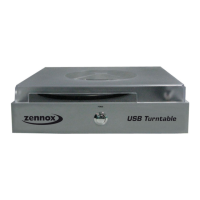
1. Place the record on the turntable.
2. Move the tone-arm over to the record to start playing.
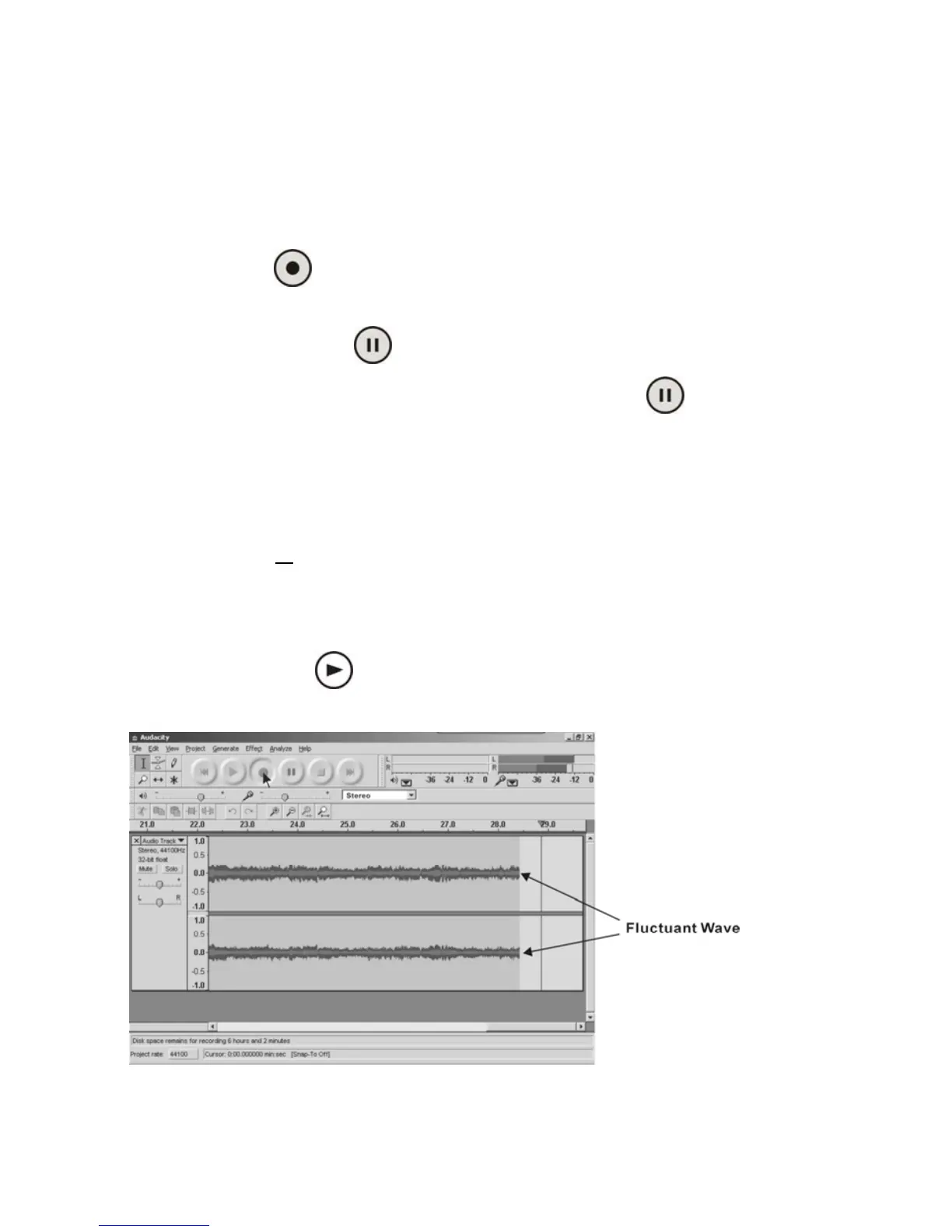
3. Click the Record( )button to start recording.
The waves (top and bottom) will show on the interface.
4. At end of song, click “Pause” ( ) button on computer and press Stop button on turntable.
For the next song, replace the album or move tone-arm to another desired song. Press Play button
on turntable to start playing the next song. Immediately press “Pause” ( ) button on computer
and downloading will continue.
5. Repeat steps 3 and 4 until you have finished downloading.
NOTE: Do not click "Stop" button on computer while continuously downloading songs.
Remember to click "Pause" in between your desired songs. IMPORTANT: Press "Stop" on
computer only when all
your desired songs have been downloaded. If you press "Stop" and
go back to copy another song, it will record over your first song. To avoid recording over
songs, you must export, save, and close Audacity. See instructions on the following pages.
After you have finished downloading, you may play back the songs through your computer. In Stop
Mode, simply click the ( )button. NOTE: You cannot hear music during the recording
process.


 To Next Page