More information and FAQ on: www.zepcam.com - [T2+ IM-EN-1.0] 6
1920x1080 @ 30 FPS
1280x720 @ 30FPS
1280x720 @ 60 FPS
840x480 @ 30 FPS
140 degrees wide angle lens, low
distortion
Capture photo while video
recording or standalone
(Auto) IR mode for dark
environments
IR threshold at < 10 lux
IR reach up to 10m
Face recognition up to 5m
2 LEDS for indication of standby,
recording, charging, disc full
Yes, including photo shot
Audio and vibration notification for
start/stop recording, disc full, low
battery level
AAC(LC) 128 kb/s, 2 channel
(mono) 48khz
IP65 (rain and dust proof)
Built-in 3200mAh Lithium Ion
Battery
Working temperature range
3.5 hours from empty to 80%
(Fast Charge)
Storage temperature range
Only accessible for authorized
users.
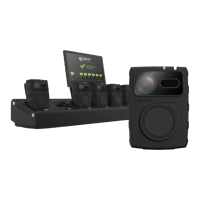
Zepcam docking station (sold
separately)
Single dock with USB charger
Via Single Dock or Zepcam
Docking Station
Use Zepcam Server Software or
Zepcam Cloud to manage users,
user rights, access control and
more
Clip mount (360 degrees
rotatable), Peter Jones mount
support
115 grams (without mount)
Zepcam Core Software
Zepcam Manager (web based)
Zepcam Connect (Pc software)
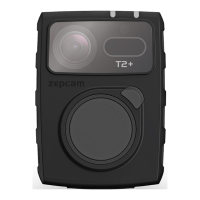
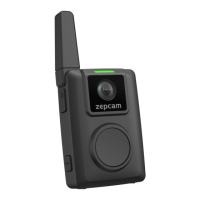
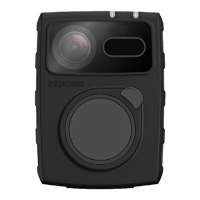
T2+ bodycam
Single dock for PC connection
USB wall plug charger + cable
Clip mount
3rd party integration possible with
Video Management Systems
Based on ONVIF


 To Next Page
 Loading...