More information and FAQ on: www.zepcam.com - [T2+ IM-EN-1.0] 9
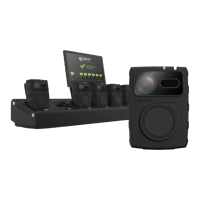
The T2+ can be charged using the single docking station or the multi docking station (available as 4 Dock
and 8 Dock). Please note:
● When the T2+ is powered on, it will not charge
● When connected to a power source, the T2+ will be powered off after a time that can be set when
there is no data exchange with computer or docking station. The default set time is 10 minutes.
SINGLE DOCKING STATION
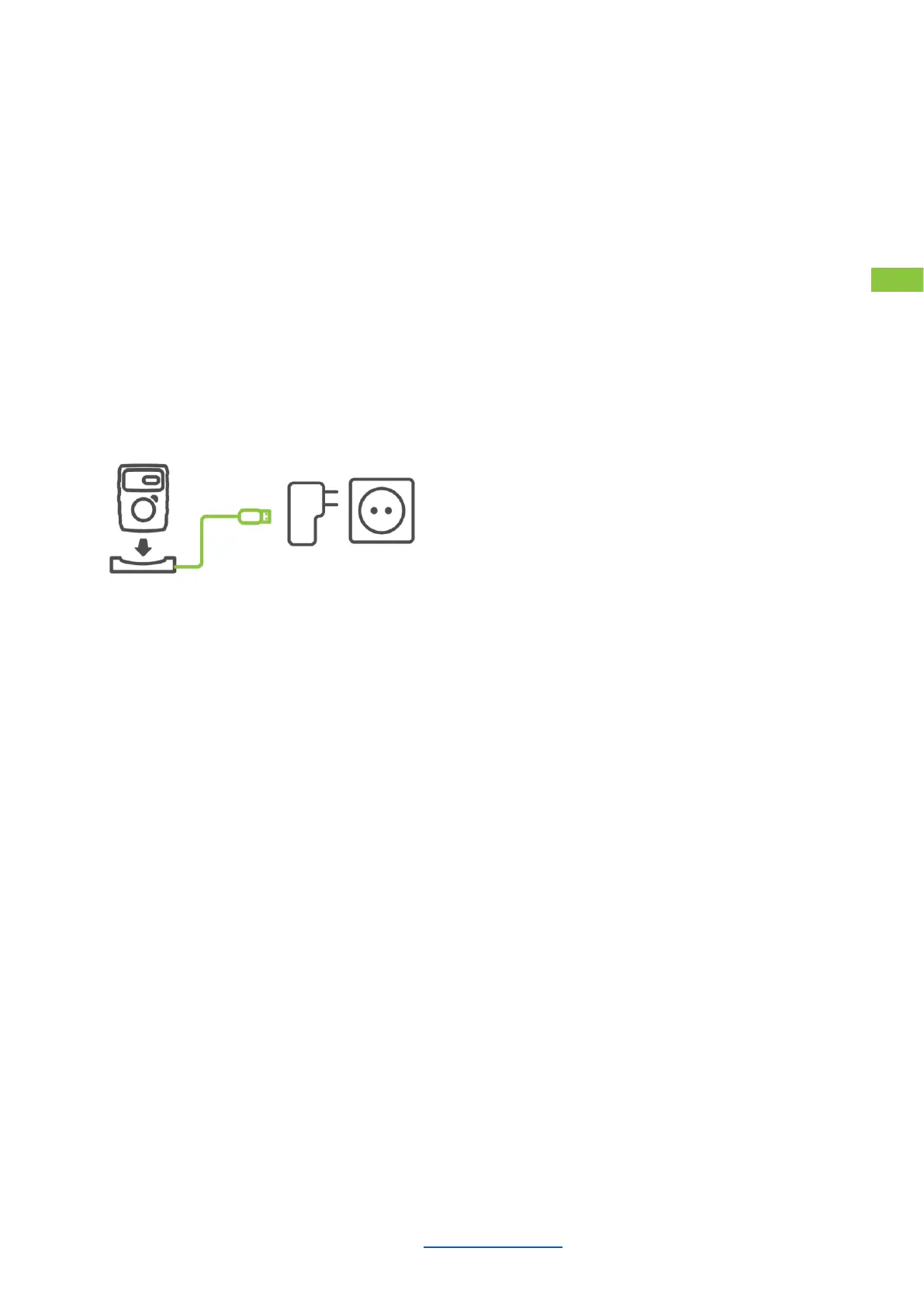
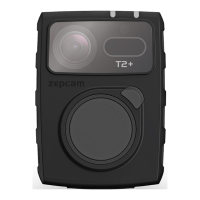
The T2+ is provided with a single docking station. The single docking station is used to charge from the wall
plug. For fast charging power off the T2+. Do not use a PC or laptop to recharge your T2+.
1. Place Zepcam T2+ into the single docking station
2. Connect the zepcam single dock to the USB charger
3. Continuous blue LED during charging on the T2+ camera
4. When the T2+ is fully charged the blue LED will turn off


 To Next Page