21
Breeze I & Breeze II Use, Care, and Installation Guide
ZEPHYRONLINE.COM
Features & Controls
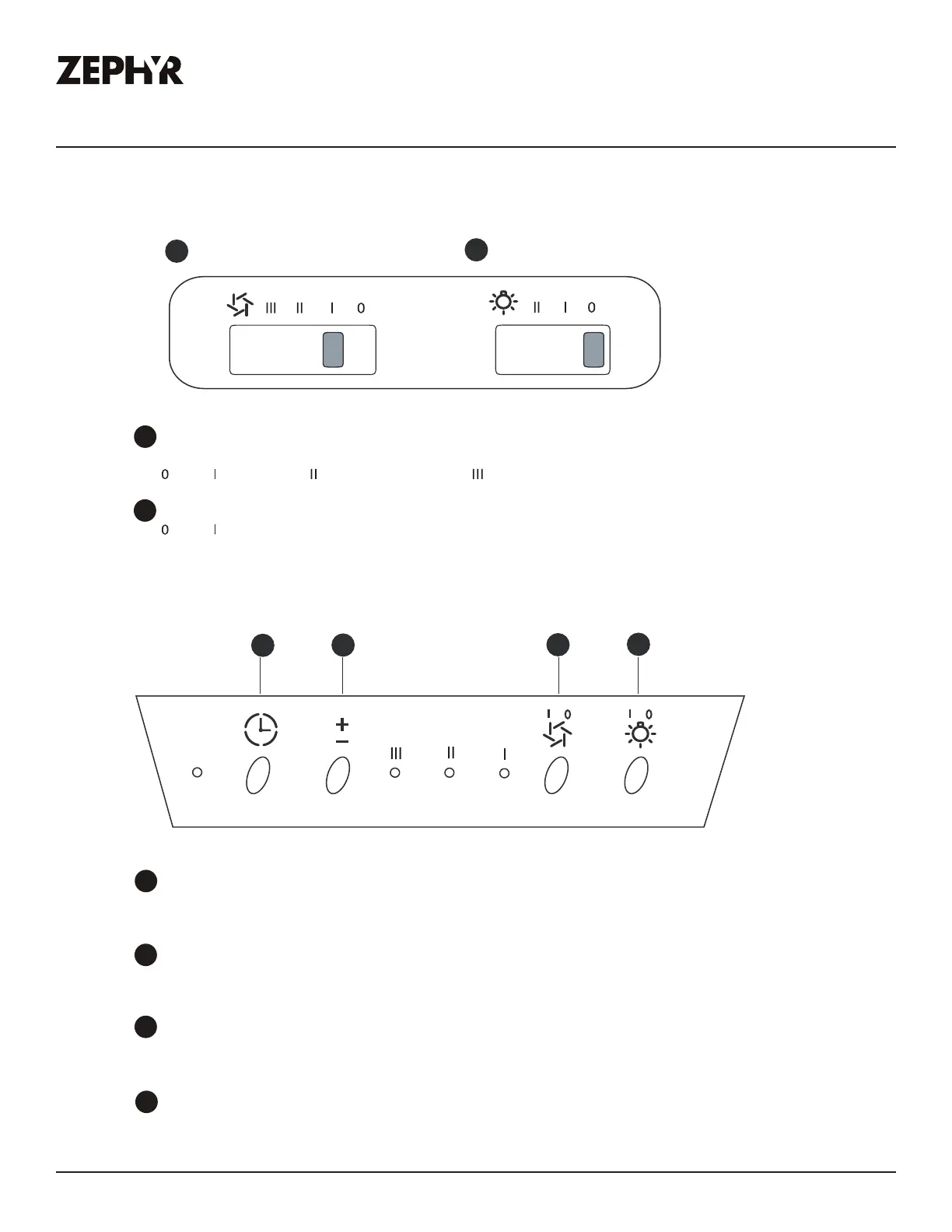
This switch turns the blower on and o and controls the speed selection.
is o, is low speed, is medium speed and is high speed.
is o, is dim, II is bright.
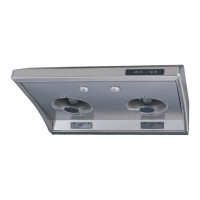
Breeze I, AK11xxBx
Lights O/Dim/Bright
Lights O/Dim/Bright
Blower On/O/Speed Selection
This button turns the motors on and o. It also shuts o power to the whole hood.
If the lights are on and this button is pushed, they will also turn o.
This button turns the lights on, o and also dims them. Press once to turn them on bright,
again for dim and one more time to shut them o.
This button will change the speed setting of the motors. By pushing it you will change the
speeds from high to medium to low.
This button will put the hood into delay o mode. When pushed, the hood will switch to the
lowest speed and the entire hood will shut down all functions after 5 minutes.
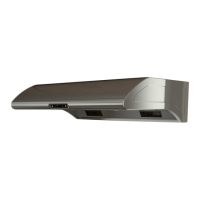
Breeze II, AK12xxBx
Blower On/O/Speed Selection
1
2
2
1
1
2
3
4
On/O
Lamp
Speed
Delay O
4
3
12


 To Next Page
 Loading...