EasyManua.ls Logo

ZGEMMA STAR 2S - Basic Operations; Channel and Volume Management

ZGEMMA STAR 2S
27 pages
Print Icon
To Next Page IconTo Next Page
To Previous Page IconTo Previous Page
Loading...
-Name
Displays
the
name
of
the
selected
program.
-
Description
Displays
a
short
description
of
the
selected
program.
-Timer
Type
Select
Zap
for
channel
tuning
reservation.
Select
Record
for
recording
reservation.
-Repeat
Type
Select
Once
for
one
time
of
zapping
or
recording
reservation.
Select
Repeated
for
repeated
zapping
or
recording
reservation.
Repeats
-This
option
is
given
only
when
you
selected'Repeated'in
the
Repeat
Type.
You
can
reserve
zapping
or
recording
per
Daily/Weekly
/
Mon-Fri
/
User-defined.
•Date
Displays
the
current
date.This
entry
is
on
when
you
selected
"Repeat
Type'as
"once".
-Start
Time
You
can
set
the
time
to
begin
recording
or
zapping.
-End
Time
You
can
set
the
time
to
stop
recording
or
zapping.
•Channel
This
entry
allows
you
to
change
the
channel.
Press
LEFTffliGHT
key
to
call
up
Channel
Selection
menu.
You
can
select
a
different
channel
from
this
list
using
this
option.To
retum
to
Timer
entry
menu,
press
EXIT.
4.
BASIC
OPERATIONS
4,1
Switching
Channels
If
channel
change
is
not
done,
it
is
probably
because
the
selected
channel
is
encrypted
and
you
do
not
have
a
proper
smartcard.
[O
:
PressA/T,
CHANNEL+/-key/Press
</k-
to
move
to
the
next
channels]
ZGEMMA-STARZS
off^variouschannelappingmethods.Youcan
switch
the
current
channel
by
pressing.
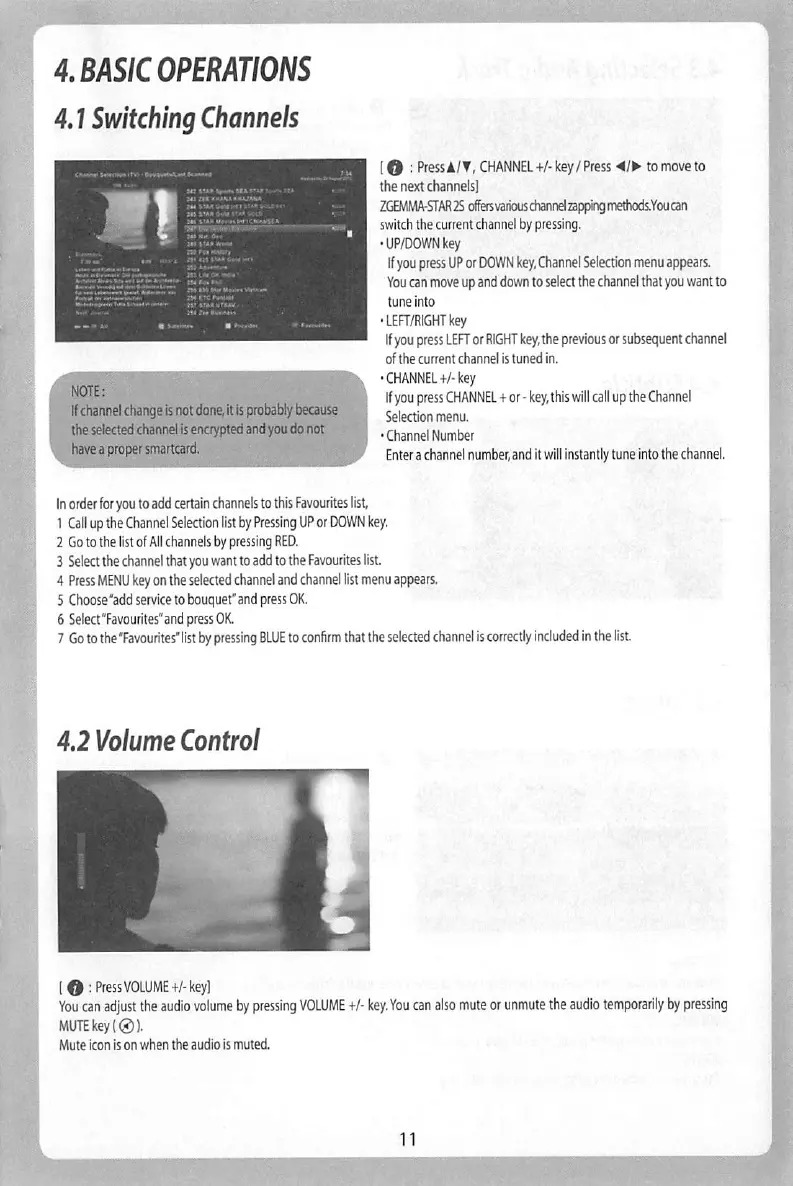
•UP/DOWN
key
If
you
press
UP
or
DOWN
key,
Channel
Selection
menu
appears.
You
can
move
up
and
down
to
select
the
channel
that
you
want
to
tune
Into
•LER/RIGHTkey
If
you
press
LEFT
or
RIGHT
key,
the
previous
or
subsequent
channel
of
the
current
channel
is
tuned
in.
CHANNEL+/■
key
If
you
press
CHANNEL
+
or
-
key,
this
will
call
up
the
Channel
Selection
menu.
Channel
Number
Enter
a
channel
number,
and
it
will
Instantly
tune
into
the
channel.
r
You
can
move
the
previous
or
next
program
within
the
same
channel
by
using
YELLOW
(Previous)/BLUE
(Next)
You
can
switch
to
another
channel
by
using
UP/DOWN
key.
RED
key
is
used
to
instantly
tune
into
the
selected
channel.
GREEN
key
is
used
to
reserve
recording
or
zapping
of
the
selected
program.
In
order
for
you
to
add
certain
channels
to
this
Favourites
lisL
1
Call
up
the
Channel
Selection
list
by
Pressing
UP
or
DOWN
key,
2
Go
to
the
list
of
All
channels
by
pressing
RED.
3
Select
the
channel
that
you
want
to
add
to
the
Favourites
list
4
Press
MENU
key
on
the
selected
channel
and
channel
list
menu
appears.
5
Choose
"add
service
to
bouquet'and
press
OK.
6
Selea'Favourites'and
press
OK.
7
Go
to
the
"Favourites'list
by
pressing
BLUE
to
confirm
that
the
selected
channel
is
correctly
included
in
the
list.
4.2
Volume
Control
O
[0:Press
VOLUME+/-key]
You
can
adjust
the
audio
volume
by
pressing
VOLUME
+/-
key.
You
can
also
mute
or
unmute
the
audio
temporarily
by
pressing
MUTE
key
(0).
Mute
icon
is
on
when
the
audio
is
muted.