18
English
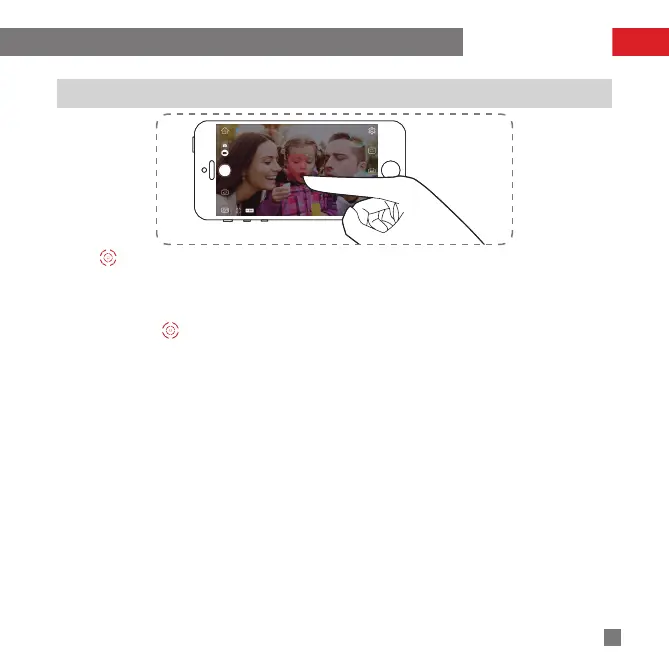
How to Use Object Tracking
1. Tap on the bottom left of the operation screen to activate Object Tracking function (the stabilizer enters
Locking Mode automatically when this function is activated).
2. After the function is activated, drag to draw a box onscreen around the target object will enable auto
tracking.
3. Tap Exit beside to stop Object Tracking.
APP Operations


 To Next Page
 Loading...