6
Mounting and Balancing
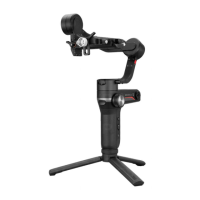
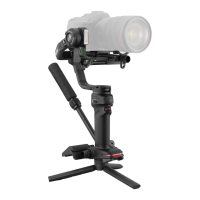
Mount the tripod to the bottom of the WEEBILL 3 handle, then unfold the tripod
and place the WEEBILL 3 on a flat surface.
Mounting the Tripod
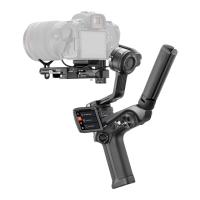
Mounting the Camera
① Please mount the camera before powering on WEEBILL 3 and balance the
gimbal. Do not power on WEEBILL 3 when there’s no camera mounted on
it.
② Before mounting the camera, make sure it is prepared ahead of time.
Remove the lens cap and make sure the camera’s battery and memory
card are already in place.
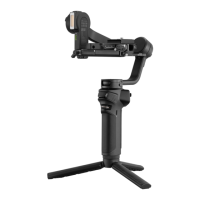
③ Each axis of the gimbal is equipped with a lock switch. You can use these
lock switches to lock the axes for convenient installation and storage. The
storage state is the default state. Please toggle the lock switch to unlock
the three axes, expand the gimbal as shown in the image, and lock the
axes again for convenient camera installation.


 To Next Page
 Loading...