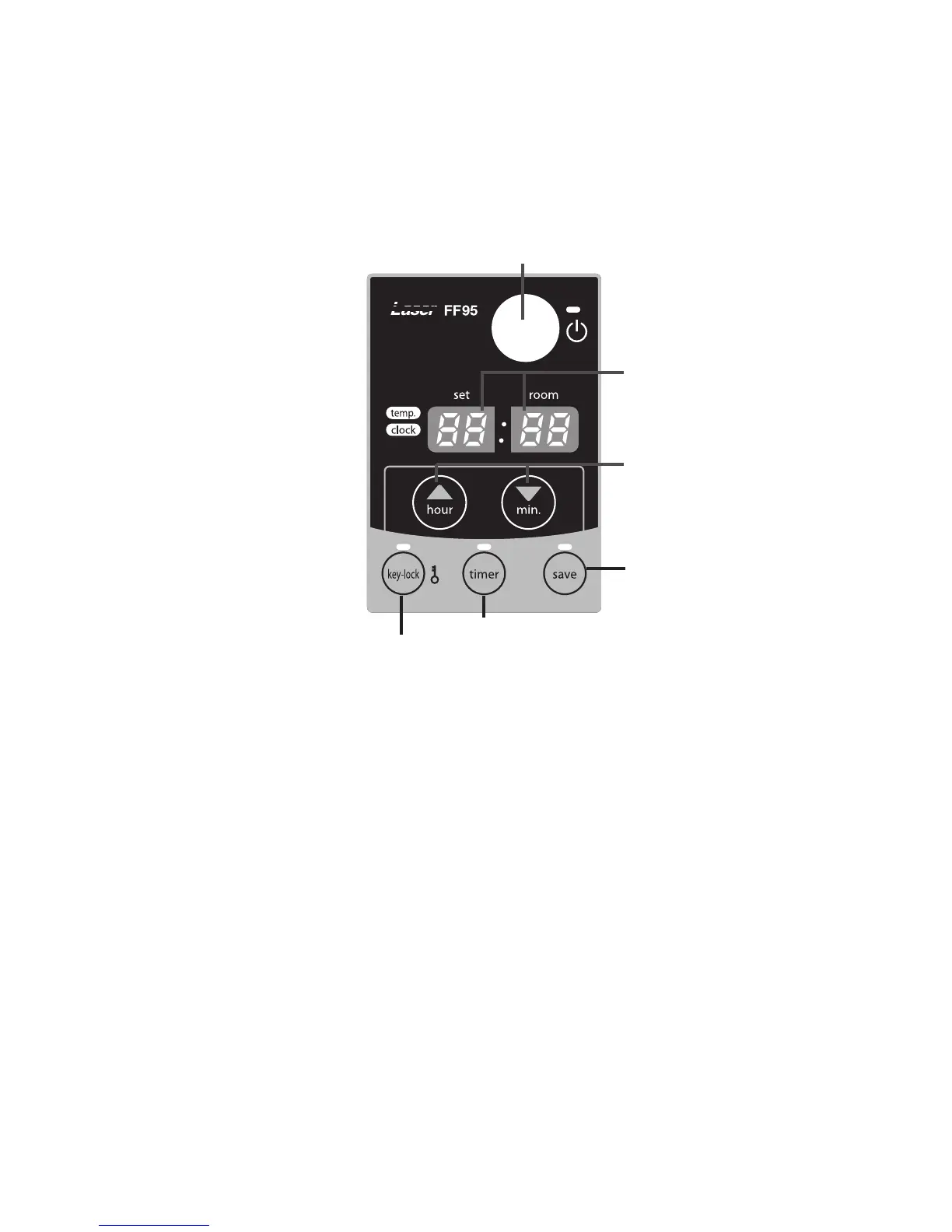
3. Operating elements and lights
1. ON/OFF button:
The main switch to turn the heater on and off.
Switch it “ON” to activate the heater. Combustion
will start after a 3-9 minutes pre-heating period.
The heater has 4 settings “HIGH”, “MEDIUM”,
“LOW” and “OFF”.
2. Adjustment buttons:
Temperature selection switches offer the user the
option to select the desired temperature during
operation.
3. Information display
Displays the clock, set temperature, room
temperature and error codes.
4. SAVE button:
Allows you to limit the temperature.
When this function is activated, the heater will
automatically switch off and on again.
5. TIMER button:
Allows you to switch on the heater automatically at
a preset time.
6. CHILDPROOF LOCK button:
Can be used to prevent children accidentally
changing the heater settings.
42
Chapter 2, OPERATION
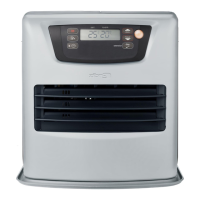
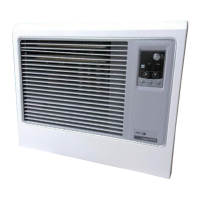
Fig. 2-1 Operation panel
3. Information display
2. Adjustment buttons
(time and temperature)
1. ON/OFF button
2. Adjustment buttons
(time and temperature)
4. Save button4. Save button
5. Timer button5. Timer button
6. Childproof lock button



 To Next Page